



































































































OpenRefactor
 Guide2 min read
☷Table of contents▾
OpenRefactor
Freemium
Revolutionize Code Refactoring with OpenRefactor
VISIT WEBSITE
Introduction:
Are you tired of spending hours manually refactoring your code?
Introducing OpenRefactor AI, the ultimate solution for improved code refactoring in Visual Studio Code.
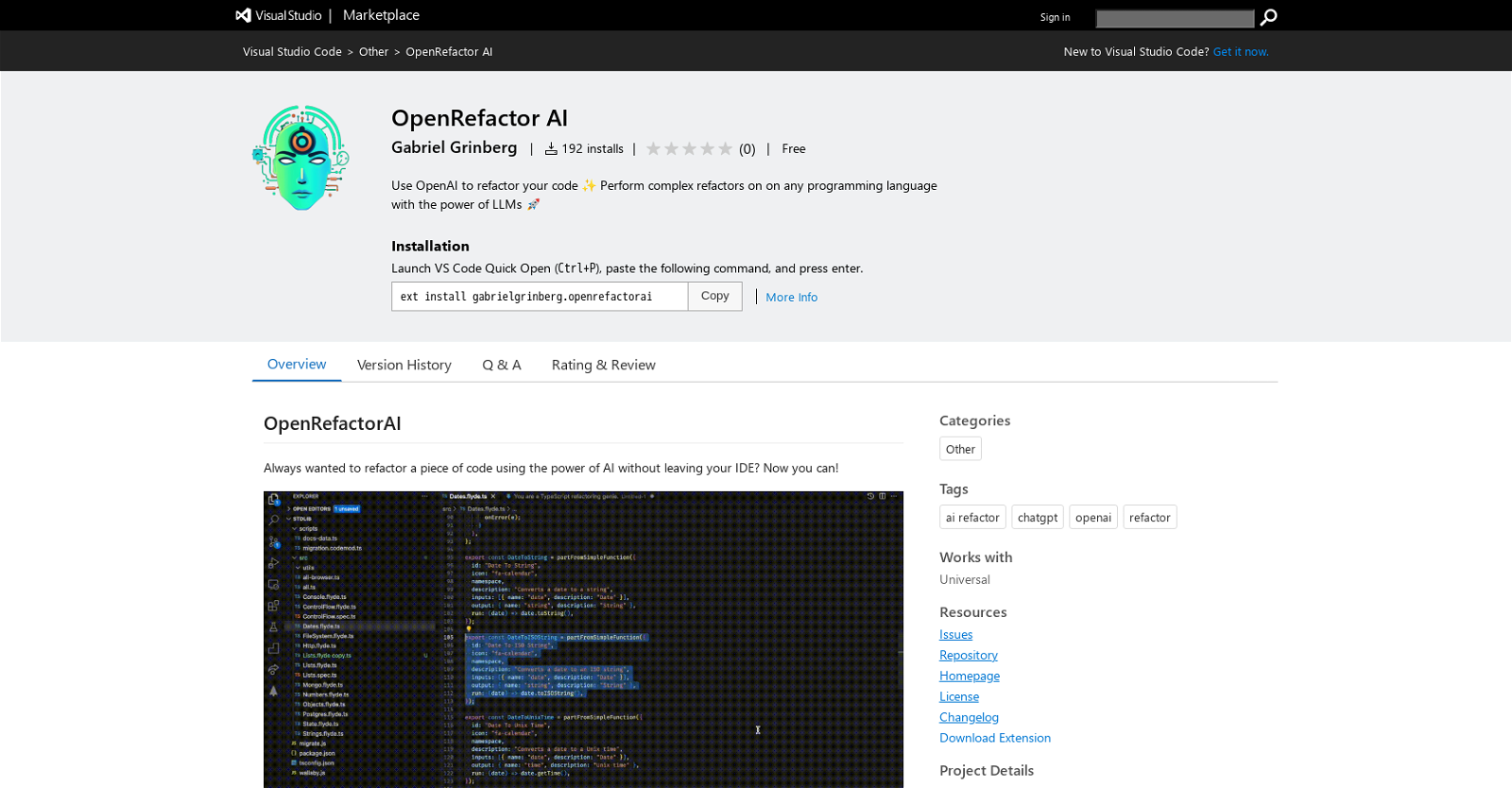
With OpenRefactor AI, developers can harness the power of AI to effortlessly refactor their code. By selecting a piece of code and utilizing OpenAI’s Language Model Libraries (LLMs), complex refactors can be performed on any programming language.
This Visual Studio Code extension offers a seamless and accurate way to refactor code based on the developer’s instructions. Users can even save their refactoring instructions for future use.
OpenRefactor AI has an exciting roadmap that includes support for refactoring across multiple files and enhanced progress indication using a stream response.
To get started, simply install the extension from the Visual Studio Code marketplace and set your OpenAI API key. Then, select the code you wish to refactor, access the Command Palette, and choose the refactoring option. Provide your refactoring instructions, and let OpenRefactor AI do the rest.
Want to earn with the tools you are reading about?
The $50K AI Income Roadmap: 20 modern ways to earn with AI, with steps, prompts and real numbers. Free, one chapter a day.
Throughout the refactoring process, a progress bar in the status bar will keep you informed and notify you when it’s complete.
Please note that OpenRefactor AI requires an OpenAI API key, which can be obtained by signing up for an account on the OpenAI website.
Enhance your code refactoring experience within the Visual Studio Code IDE with OpenRefactor AI. Try it today and revolutionize your development workflow.
Overview:
OpenRefactor AI is a Visual Studio Code extension that allows developers to leverage the power of AI to refactor their code. With this tool, users can select a piece of code and use OpenAI to perform complex refactors on any programming language with the help of Language Model Libraries (LLMs).
The extension provides an easy and precise way to refactor code according to the developer’s instructions. Users can save their refactoring instructions for future use. OpenRefactor AI has a roadmap that includes supporting refactoring across multiple files and improving progress indication using a stream response.
To use the tool, users need to install the extension from the Visual Studio Code marketplace and set their OpenAI API key. After setting the API key, developers can select the code they want to refactor, open the Command Palette, and choose the refactoring option. They will be prompted to provide refactoring instructions. During the refactoring process, a progress bar in the status bar will indicate the progress and notify the user when it’s complete.
It’s important to note that OpenRefactor AI requires an OpenAI API key, which can be obtained by signing up for an account on the OpenAI website. Overall, OpenRefactor AI is a valuable tool for developers who want to use AI technology to enhance their code refactoring process within the Visual Studio Code IDE.
Benefits:
- Allows developers to leverage the power of AI to refactor their code
- Supports refactoring across multiple programming languages with the help of Language Model Libraries (LLMs)
- Provides an easy and precise way to refactor code according to the developer’s instructions
- Allows users to save their refactoring instructions for future use
- Has a roadmap that includes improving progress indication and supporting refactoring across multiple files

The TechLaugh editorial team, led by founder Akshay Kumar Singh, tests AI tools on real marketing and creative work. We check pricing on the day of writing, note free-plan limits, and update guides when tools change or shut down.