



































































































ParallelGPT
 Guide2 min read
☷Table of contents▾
ParallelGPT
Free
Supercharge ChatGPT with ParallelGPT!
VISIT WEBSITE
Introduction:
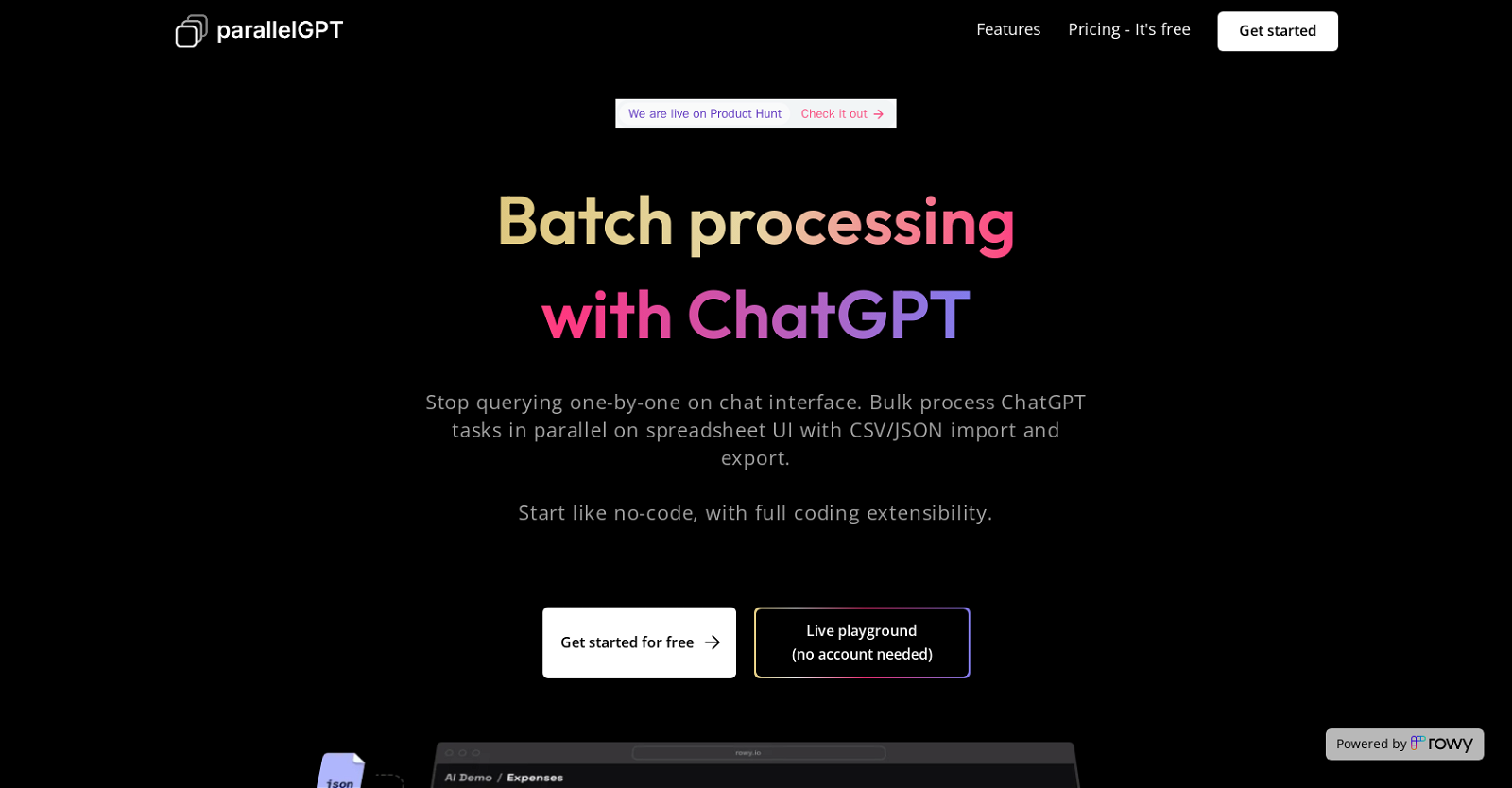
Are you tired of manually processing numerous ChatGPT queries, one by one, on a spreadsheet? Imagine a powerful AI tool that allows you to perform batch processing of ChatGPT queries in parallel, saving you time and effort. Introducing ParallelGPT, the ultimate solution for bulk processing ChatGPT on spreadsheets.
With ParallelGPT, you can import prompts in bulk from CSV or JSON files, effortlessly tweak prompts in low code, and collaborate with your team members to create powerful ChatGPT workflows. Experience the convenience of a live playground for testing features without an account, complete with coding extensibility and ready-made templates.
Rest assured, your security and privacy are our top priorities. All prompts, generated data, and API keys remain on your own Google Cloud project, ensuring utmost confidentiality. Enjoy a collaborative spreadsheet UI for database management, import and export data in bulk, and customize granular access control for your team members.
Best of all, Batch / Bulk processing for ChatGPT AI is free and open-source, offering unlimited data rows and team collaboration on one project, with no API call limits. The only charges you’ll incur are for OpenAI billing based on usage and nominal Google Cloud billing.
Want to earn with the tools you are reading about?
The $50K AI Income Roadmap: 20 modern ways to earn with AI, with steps, prompts and real numbers. Free, one chapter a day.
Enhance your productivity and flexibility with Batch / Bulk processing for ChatGPT AI. Say goodbye to manual processing and embrace the efficiency of parallel processing on a spreadsheet UI. Try ParallelGPT today and revolutionize your AI workflow.
Overview:
ParallelGPT is an AI tool designed to enable users to perform batch processing of ChatGPT queries in parallel on a spreadsheet UI. This tool allows users to import prompts in bulk from CSV or JSON files, tweak prompts in low code, and collaborate with team members to create powerful ChatGPT workflows. Moreover, this tool provides users with a live playground for testing out its features without an account, allowing users to get started with its full coding extensibility and ready-made templates.
Additionally, security and privacy are emphasized, as all prompts, generated data, and API keys stay on a user’s own Google Cloud project, thus, staying secure and not on a third-party application. Batch / Bulk processing for ChatGPT AI provides users with several features such as a collaborative spreadsheet UI for the database, the ability to import and export data in bulk from CSV or JSON files, and custom granular access control for team members.
This tool is free and open-source, with a free Rowy workspace that offers unlimited data rows and team collaboration on one project, with no API call limits. While using this tool, the only charges that apply are OpenAI billing, which is based on usage, and Google Cloud billing, which incurs nominal charges based on usage.
Overall, Batch / Bulk processing for ChatGPT AI offers users an efficient and collaborative way to perform batch processing of ChatGPT queries in parallel on a spreadsheet UI, with security and privacy as top priorities, and a set of features designed to improve productivity and flexibility.
Benefits:
- Batch processing of ChatGPT queries in parallel on a spreadsheet UI
- Import prompts in bulk from CSV or JSON files
- Tweak prompts in low code
- Collaborate with team members to create powerful ChatGPT workflows
- Live playground for testing features without an account

The TechLaugh editorial team, led by founder Akshay Kumar Singh, tests AI tools on real marketing and creative work. We check pricing on the day of writing, note free-plan limits, and update guides when tools change or shut down.