



































































































Productful
 Guide2 min read
☷Table of contents▾
Productful
Freemium
Create Stunning Illustrations Effortlessly
VISIT WEBSITE
Introduction:
Are you tired of spending hours trying to create eye-catching illustrations for your content projects?
Introducing Productful, the AI-powered tool that revolutionizes illustration creation.
With Productful, you don’t need any artistic skills to bring your ideas to life. Simply input your image description, choose from over 80 illustration styles, and let the AI technology work its magic.
In just four easy steps, you can transform your concepts into stunning hand-drawn illustrations. And the best part? You can use these unique visuals for websites, social content, logos, presentations, and more.
Want to earn with the tools you are reading about?
The $50K AI Income Roadmap: 20 modern ways to earn with AI, with steps, prompts and real numbers. Free, one chapter a day.
But that’s not all. Productful is constantly evolving, with a range of upcoming features that will unlock unlimited possibilities for your creative projects.
Say goodbye to expensive graphic design services and countless hours spent learning complex design skills. With Productful, professional-grade illustrations are just a few clicks away. Sign up now and experience the power of AI in illustration creation.
Overview:
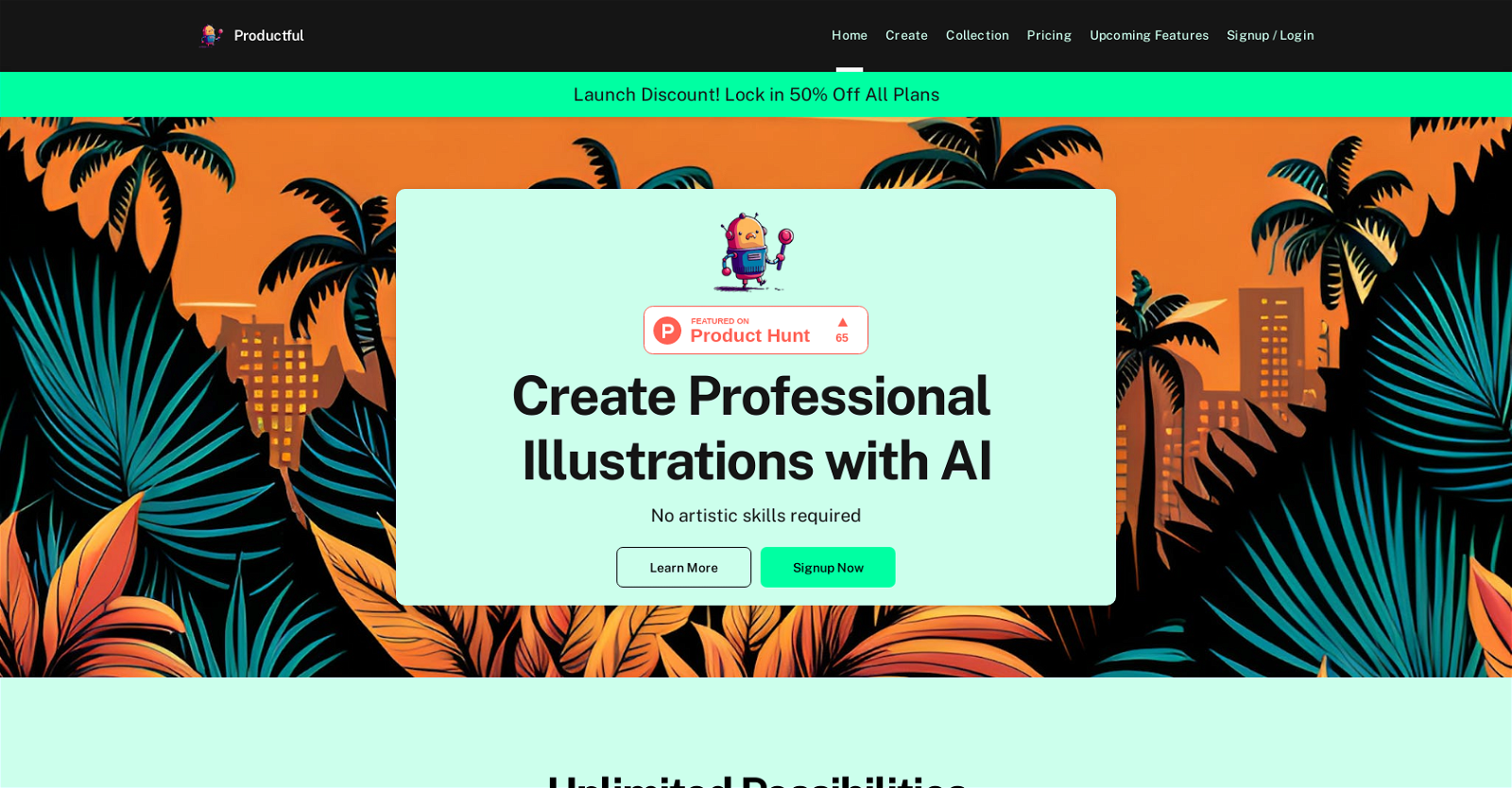
Productful is an AI-powered tool that helps content creators and website builders create stunning, eye-catching illustrations for their creative projects. This tool requires no artistic skills, making it easy for anyone to use. With a library of 80 illustration styles to choose from, users can find the perfect fit for any project, including website illustrations, social content, logos, presentations, and more. Using Productful is a straightforward process of four steps. First, users fill in a field with the image they want to generate, making the prompt as descriptive as possible. Second, users choose from a wide range of styles, including pencil sketch, watercolor, and cartoon. Third, after selecting a preferred style, users click on the “submit” button, and the AI technology transforms the idea into hand-drawn illustrations. Finally, users can download and use the unique illustrations wherever they like.In addition to the vast illustration style library, Productful offers a vast range of upcoming features, giving users unlimited possibilities to create captivating visuals. The tool’s website is easy to navigate, with clear links to sign-up, create, and the product pricing page. Overall, Productful is an excellent tool for anyone seeking to create professional-grade illustrations without spending a great deal of money on graphic design services or investing countless hours learning graphic design skills.
Benefits:
- Easy to use: Productful requires no artistic skills, making it accessible to anyone.
- Wide range of styles: With over 80 illustration styles to choose from, users can find the perfect fit for any project.
- Straightforward process: The tool follows a simple four-step process, making it quick and efficient to generate illustrations.
- High-quality hand-drawn illustrations: The AI technology transforms ideas into stunning hand-drawn illustrations.
- Unlimited possibilities: Productful offers a vast range of upcoming features, giving users endless options to create captivating visuals.

The TechLaugh editorial team, led by founder Akshay Kumar Singh, tests AI tools on real marketing and creative work. We check pricing on the day of writing, note free-plan limits, and update guides when tools change or shut down.