



































































































Rubberduck
 GuideFree plan2 min read
☷Table of contents▾
Rubberduck
Free
Rubberduck: Supercharge Your Coding!
VISIT WEBSITE
Introduction:
Are you tired of spending hours debugging code and searching for solutions online?
Introducing Rubberduck, the ultimate AI-powered code assistant for Visual Studio Code.
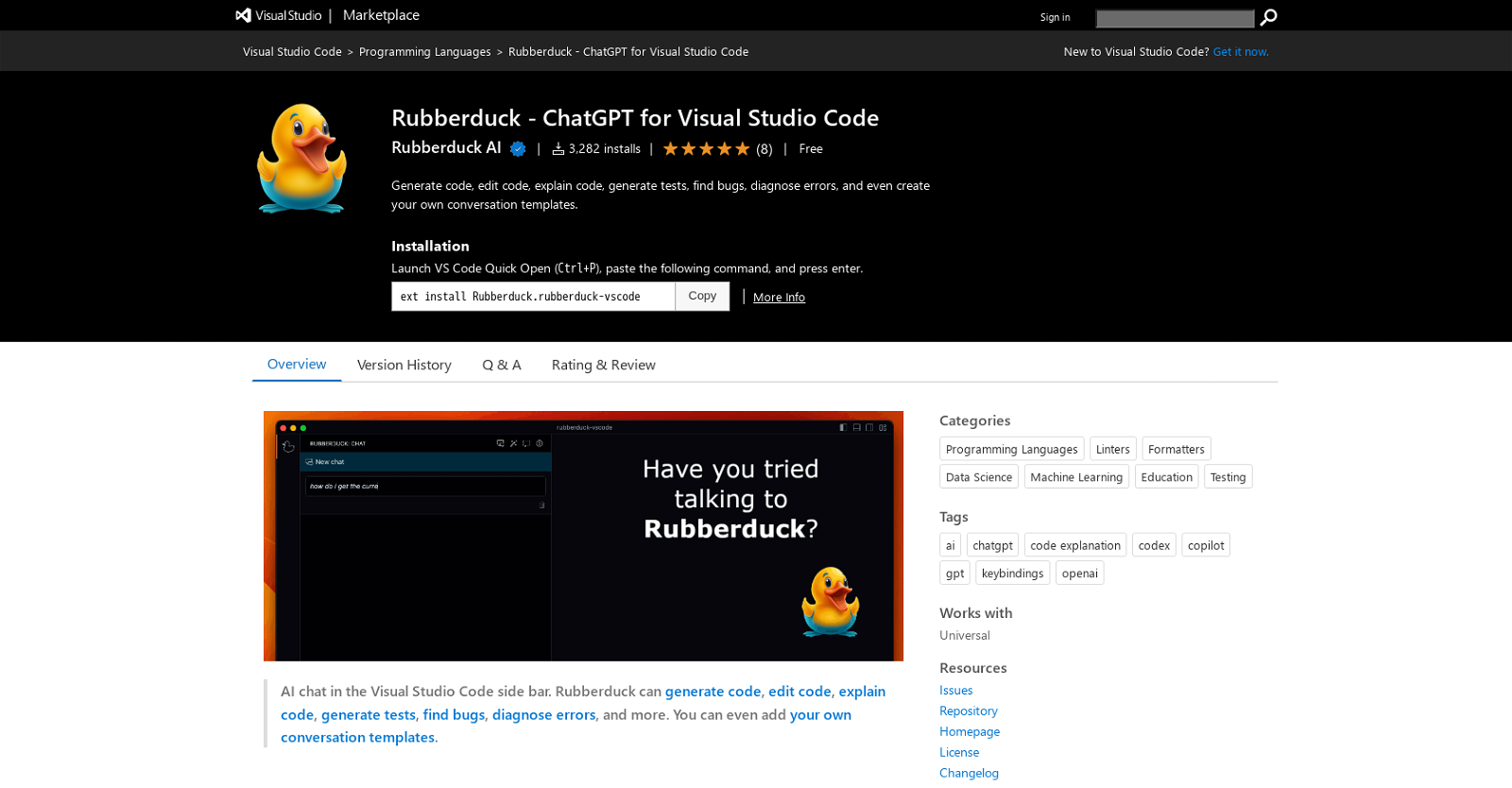
With Rubberduck, you can harness the power of AI to generate code, explain code, generate tests, find bugs, diagnose errors, and even create custom conversation templates.
Imagine being able to ask questions about your code and software development topics, and instantly receive accurate answers and suggestions.
Rubberduck’s intuitive interface allows you to access all of its features through the command palette, context menu, or keyboard shortcuts.
And the best part? You can customize Rubberduck to fit your own conventions and language by creating your own conversation templates.
Want to earn with the tools you are reading about?
The $50K AI Income Roadmap: 20 modern ways to earn with AI, with steps, prompts and real numbers. Free, one chapter a day.
Whether you’re a seasoned developer or just starting out, Rubberduck will revolutionize the way you code, helping you work faster and more accurately.
Get ready to take your coding experience to the next level with Rubberduck.
Overview:
Rubberduck is a Visual Studio Code extension that leverages AI to enhance developers’ coding experience. With its powerful features, this tool enables developers to code faster and more accurately. By utilizing AI capabilities, Rubberduck can generate code, explain code, generate tests, find bugs, diagnose errors, and even create custom conversation templates.
To get started, users need to sign up for an OpenAI API key and enter it using the Rubberduck: Enter OpenAI API key command. Once set up, developers can take advantage of the AI Chat feature to ask questions about their code and software development topics. This can be done through various methods such as the command palette, editor context menu, keyboard shortcuts, or even the MacOS touch bar (if available).
Rubberduck offers a wide range of functionalities to assist developers in their coding tasks. It can generate code, edit code, explain code, generate tests, find bugs, diagnose errors, and more. These features are easily accessible through the command palette, context menu, or keyboard shortcuts, providing developers with flexibility and convenience.
Moreover, Rubberduck allows users to create their own conversation templates in the .rubberduck/template folder. This empowers developers to customize AI chats according to their specific conventions and use their preferred language. By tailoring the tool to their needs, developers can further enhance their coding experience and productivity.
Whether beginners or experienced professionals, Rubberduck is a valuable tool for developers of all skill levels. Its AI-powered capabilities enable faster and more accurate coding, making it an indispensable asset in the software development workflow.
Benefits:
- Rubberduck uses AI to generate code, explain code, generate tests, find bugs, diagnose errors, and create custom conversation templates.
- Users can sign up for an OpenAI API key to set up Rubberduck.
- The AI Chat feature allows developers to ask questions about their code and software development topics.
- Rubberduck can generate code, edit code, explain code, generate tests, find bugs, diagnose errors, and more.
- Users can create their own conversation templates in their .rubberduck/template folder, allowing them to customize AI chats to their conventions and language.

The TechLaugh editorial team, led by founder Akshay Kumar Singh, tests AI tools on real marketing and creative work. We check pricing on the day of writing, note free-plan limits, and update guides when tools change or shut down.