



































































































ScannerGo
 GuideFree plan2 min read
☷Table of contents▾
ScannerGo
Free
Scan, Convert, Edit, Share: ScannerGo
VISIT WEBSITE
Introduction:
Are you tired of dealing with stacks of paper documents that clutter your workspace and make it difficult to find what you need? Imagine a world where you can effortlessly convert all your paper documents into digital PDFs with just a few taps on your phone.
Introducing ScannerGo, the revolutionary PDF scanner application that simplifies the process of going paperless. With ScannerGo, you can easily scan, convert, edit, and share all your PDF files hassle-free. Say goodbye to the tedious task of manually typing out text from scanned documents, as ScannerGo uses powerful OCR technology to extract text from PDFs and images, making it easy to edit and convert to editable text formats.
But that’s not all – ScannerGo offers a range of other PDF tools to enhance your productivity. Whether you need to convert PDFs to Word, merge multiple PDFs into one, or compress files to save storage space, ScannerGo has got you covered. It’s a one-stop-shop for all your PDF needs.
With ScannerGo, you can scan high-quality documents even in low light conditions and save them to the cloud for safe storage and easy access from any device, anytime. No more worrying about losing important documents or struggling to find them when you need them the most.
Want to earn with the tools you are reading about?
The $50K AI Income Roadmap: 20 modern ways to earn with AI, with steps, prompts and real numbers. Free, one chapter a day.
So why wait? Experience the ultimate scanning experience with ScannerGo and transform your phone into a powerful document scanner. Say goodbye to the hassle of managing paper documents and embrace the seamless and effortless process of digitizing and managing your documents. Try ScannerGo today and discover a new level of productivity.
Overview:
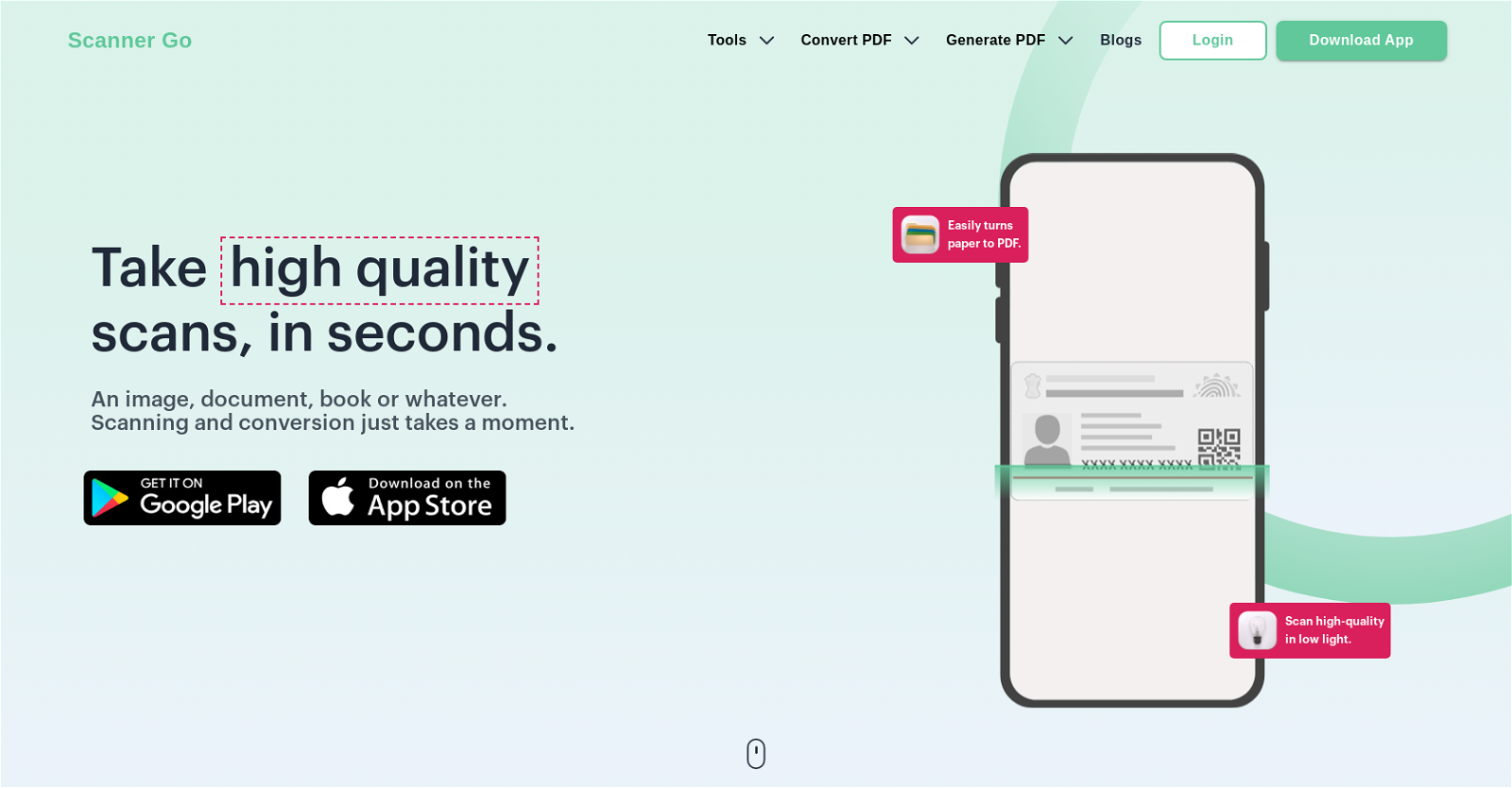
Scanner Go is a free and easy-to-use PDF scanner application that allows users to quickly scan, convert, edit, and share all their PDF files hassle-free. With Scanner Go, users can easily turn paper into PDFs, scan high-quality documents even in low light, and save them to the cloud for safe storage and access from any device at any time.
The tool uses powerful OCR technology to extract text from PDFs and images, making it easy to edit and convert to editable text formats. Users can also manage, edit, print, and share their documents within the app, making it a one-stop-shop for boosting productivity.
The tool supports one-tap scanning of documents, images, books, or anything else, making it easy to go digital quickly. Additionally, Scanner Go offers a range of other PDF tools, including converting PDFs to Word, merging PDFs, compressing files, and more.
Overall, Scanner Go provides an ultimate scanning experience that turns users’ phones into document scanners, making digitizing and managing documents seamless and effortless.
Benefits:
- Free and easy-to-use PDF scanner application
- Quickly scan, convert, edit, and share PDF files hassle-free
- Scan high-quality documents even in low light
- Save scanned documents to the cloud for safe storage and access from any device
- Powerful OCR technology to extract text from PDFs and images for easy editing and conversion to editable text formats

The TechLaugh editorial team, led by founder Akshay Kumar Singh, tests AI tools on real marketing and creative work. We check pricing on the day of writing, note free-plan limits, and update guides when tools change or shut down.