



































































































SecureGPT
 Guide2 min read
☷Table of contents▾
SecureGPT
Freemium
SecureGPT: Assess, Fix, and Secure
VISIT WEBSITE
Introduction:
Are you developing AI-powered chat plugins? Do you want to ensure their security before releasing them into the wild? Introducing SecureGPT, a powerful tool designed to evaluate the security of ChatGPT Plugins.
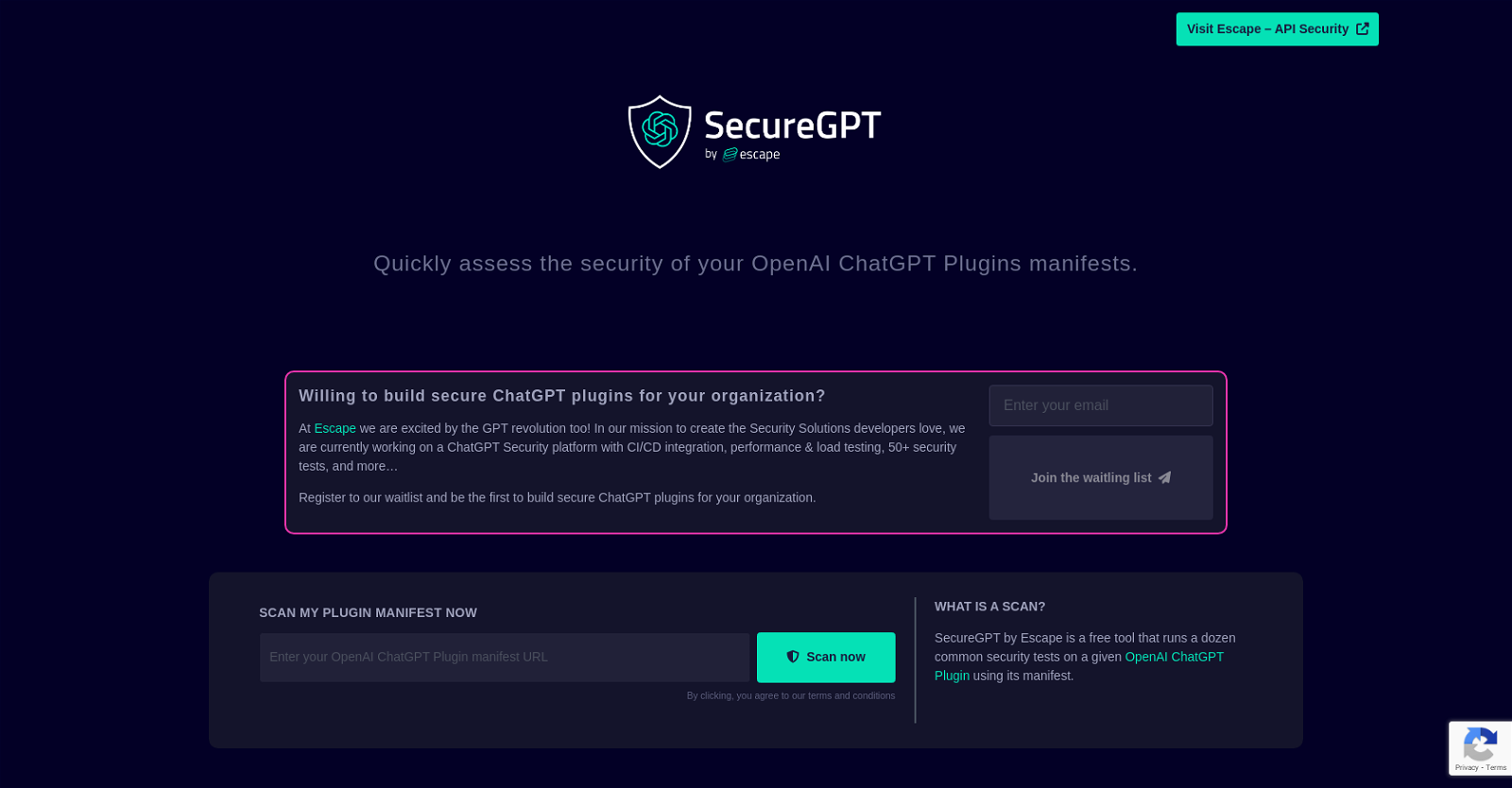
Escape by SecureGPT is a free tool that scans your ChatGPT Plugin manifest, running a series of common security tests to identify any vulnerabilities. With Escape, you can quickly assess the security of your OpenAI ChatGPT Plugins manifests, allowing you to find and fix bugs before they impact production.
But that’s not all! The Escapetech team is currently working on a comprehensive ChatGPT Security platform, which will include CI/CD integration, performance and load testing, and over 50 security tests. By registering for the waitlist, you can be among the first to build secure ChatGPT Plugins with Escape.
At Escapetech, we are passionate about the GPT revolution and are dedicated to creating Security Solutions that developers love. In addition to our Escape tool, we also offer API Security services to help you identify and fix bugs in your APIs before they go live.
Want to earn with the tools you are reading about?
The $50K AI Income Roadmap: 20 modern ways to earn with AI, with steps, prompts and real numbers. Free, one chapter a day.
Contact the Escape team through mail, Discord, Twitter, LinkedIn, or GitHub to learn more about how SecureGPT can enhance the security of your ChatGPT Plugins. Don’t leave your AI tools vulnerable – assess their security with Escape by SecureGPT today!
Overview:
Escape by SecureGPT is a tool that lets you scan your ChatGPT Plugin manifest to assess its security. It is a free tool that runs a dozen common security tests on a given OpenAI ChatGPT Plugin using its manifest. With Escape, you can quickly assess the security of your OpenAI ChatGPT Plugins manifests and find and fix any bugs before production.
Escape is currently working on a ChatGPT Security platform with CI/CD integration, performance & load testing, 50 security tests, and more. For organizations interested in building secure ChatGPT plugins, they can register for the waitlist and be the first to build secure ChatGPT Plugins with Escape.
The Escapetech team is excited by the GPT revolution and is committed to creating Security Solutions developers love. They also offer API Security services that help users find and fix bugs in their APIs before production. The Escape team can be contacted through mail, Discord, Twitter, LinkedIn, and GitHub.
In summary, Escape by SecureGPT is a tool designed to help users assess the security of their OpenAI ChatGPT Plugin manifest. It provides a dozen common security tests aimed at identifying and fixing bugs before production. Additionally, Escapetech offers various API Security services that help developers ensure their APIs are secure.
Benefits:
- Free tool that runs a dozen common security tests on a given OpenAI ChatGPT Plugin using its manifest
- Quickly assesses the security of OpenAI ChatGPT Plugins manifests
- Helps find and fix any bugs before production
- Working on a ChatGPT Security platform with CI/CD integration, performance & load testing, 50 security tests, and more
- Offers API Security services to help users find and fix bugs in their APIs before production

The TechLaugh editorial team, led by founder Akshay Kumar Singh, tests AI tools on real marketing and creative work. We check pricing on the day of writing, note free-plan limits, and update guides when tools change or shut down.