



































































































SlashDreamer
 Guide2 min read
☷Table of contents▾
SlashDreamer
From $0.99/mo
SlashDreamer: AI-Powered Images for Notion
VISIT WEBSITE
Introduction:
Are you tired of spending hours searching for the perfect image to accompany your Notion prompts?
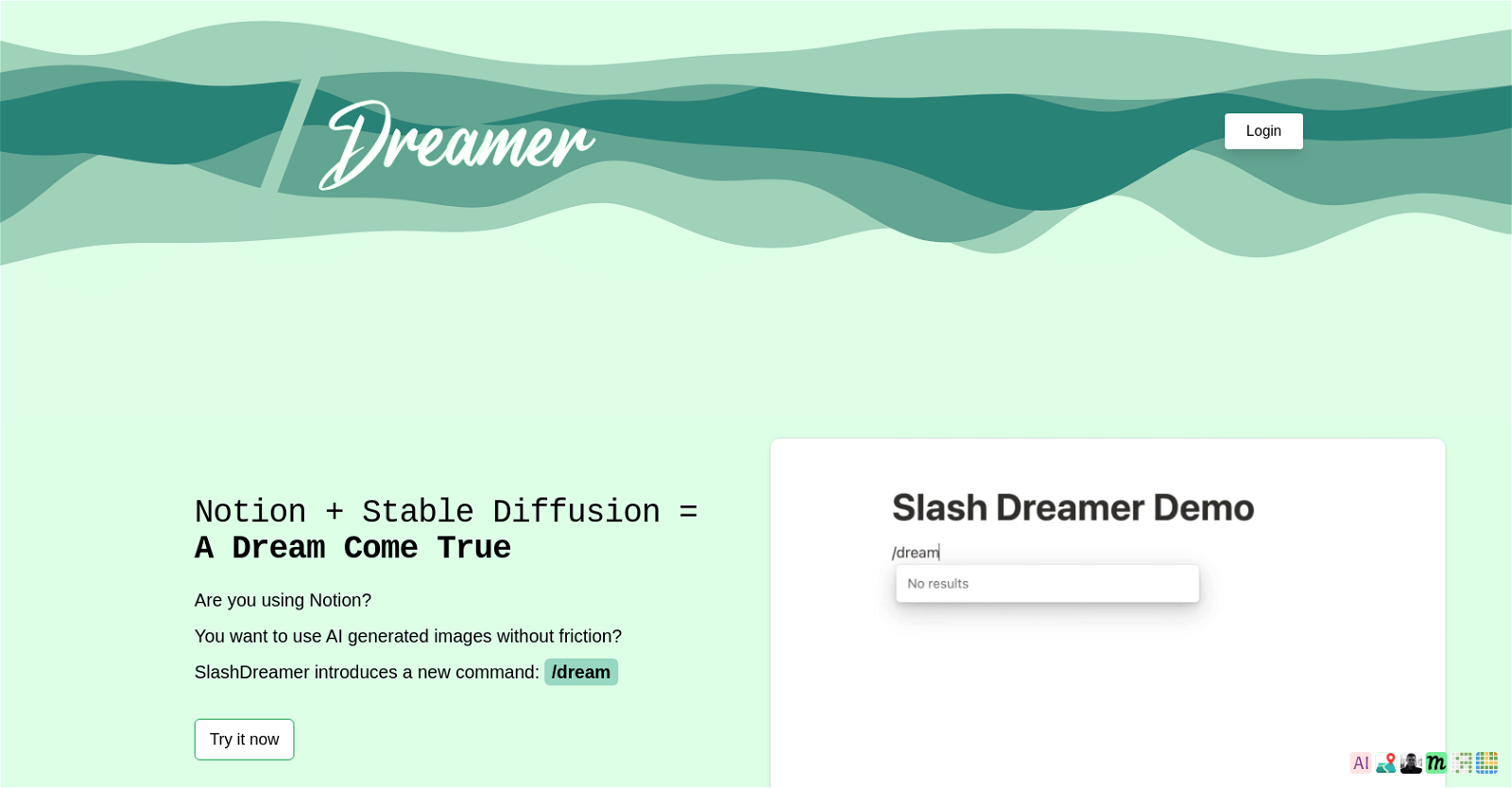
Introducing SlashDreamer, the AI tool that seamlessly integrates Stable Diffusion into Notion, allowing you to generate stunning images with just a simple slash command.
With SlashDreamer, all you need to do is type “/dream” followed by your prompt, and watch as the AI works its magic to create beautiful visuals that perfectly complement your content.
We understand that different users have different needs, which is why SlashDreamer offers three subscription plans to cater to your requirements. Whether you’re an AI Artist Beginner, AI Artist, or AI Artist Pro, there’s a plan that suits you.
Want to earn with the tools you are reading about?
The $50K AI Income Roadmap: 20 modern ways to earn with AI, with steps, prompts and real numbers. Free, one chapter a day.
Not only does SlashDreamer provide an array of AI tools like ArticleToImage.ai, GeoTagSeo.com, Kiru Logo, Mathle-Logo, Reversle icon, Learnle icon, and more, but our blog and terms page also offer valuable insights and information about the tool.
Say goodbye to the hassle of searching for images and hello to a cost-effective way of maximizing your Notion experience. Try SlashDreamer today and unlock the power of AI-generated images effortlessly.
Overview:
SlashDreamer is an AI tool that integrates Stable Diffusion into Notion to generate images with a new slash command. By typing in the slash command /dream followed by a prompt, users can quickly generate images based on their prompts.
SlashDreamer offers three different subscription plans to suit different needs. The AI Artist Beginner plan offers a 7 day trial and 15 images per month, with a 48 hour response time. The AI Artist plan offers a 7 day trial and 100 images per month, with a 48 hour response time. The AI Artist Pro plan offers a 7 day trial, 300 images per month, and a 24 hour priority response time as well as feature suggestions.
SlashDreamer also uses other AI tools such as ArticleToImage.ai, GeoTagSeo.com, Kiru Logo, Mathle-Logo, Reversle icon, Learnle icon and more. Additionally, the blog and terms page offer more information about the tool.
Overall, SlashDreamer is a great tool for quickly generating images with Notion without any friction. It is a great tool for quickly creating images based on prompts and is a cost-effective way to get the most out of Notion.
Benefits:
- Integration with Stable Diffusion: SlashDreamer integrates Stable Diffusion into Notion, allowing users to generate images with a new slash command.
- Quick image generation: By typing in the slash command /dream followed by a prompt, users can quickly generate images based on their prompts.
- Flexible subscription plans: SlashDreamer offers three different subscription plans to suit different needs, including the AI Artist Beginner plan, AI Artist plan, and AI Artist Pro plan.
- Additional AI tools: SlashDreamer also uses other AI tools such as ArticleToImage.ai, GeoTagSeo.com, Kiru Logo, Mathle-Logo, Reversle icon, Learnle icon, and more.
- Cost-effective and frictionless: SlashDreamer is a cost-effective way to get the most out of Notion, allowing users to quickly create images based on prompts without any friction.

The TechLaugh editorial team, led by founder Akshay Kumar Singh, tests AI tools on real marketing and creative work. We check pricing on the day of writing, note free-plan limits, and update guides when tools change or shut down.