



































































































Small Steps
 Guide2 min read
☷Table of contents▾
Small Steps
Freemium
Effortlessly Break Down Projects
VISIT WEBSITE
Introduction:
Are you tired of feeling overwhelmed by the sheer magnitude of your projects? Do you struggle to effectively manage and collaborate on tasks with your team?
Introducing Small Steps, the AI-powered Task Breakdown Tool that revolutionizes project management. With its user-friendly interface and SMART task definition, this tool simplifies the process of breaking down projects into manageable steps.
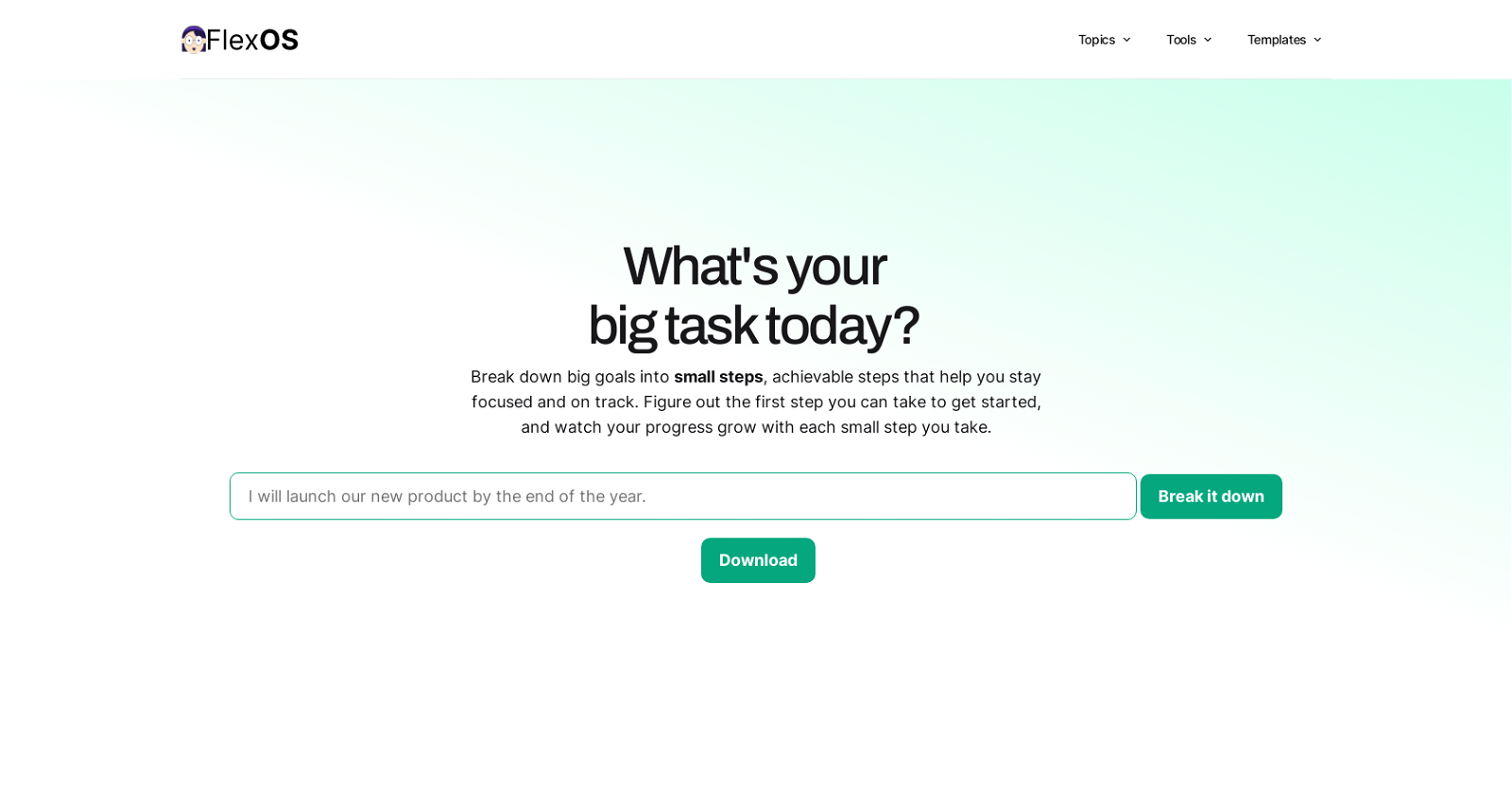
No more complicated sign-ups or registration processes – Small Steps is hassle-free and ready to use. Simply enter your project, and let the AI algorithms do the rest. Download your to-do lists effortlessly and integrate them with your preferred task tracker or project planning tool.
But that’s not all. Small Steps goes beyond task breakdown. It allows you to set timelines, assign tasks based on skills and availability, and closely monitor progress. With productivity-enhancing tips and techniques, this tool empowers you to work smarter, not harder.
Want to earn with the tools you are reading about?
The $50K AI Income Roadmap: 20 modern ways to earn with AI, with steps, prompts and real numbers. Free, one chapter a day.
Stay focused, stay productive, and stay on track with the Small Steps AI Task Breakdown Tool. Experience the practical and efficient solution for managing projects with ease.
Overview:
The Small Steps AI Task Breakdown Tool is a user-friendly tool designed to help users effortlessly break down their projects into smaller, more manageable tasks. It eliminates the need for sign-up or complicated registration processes, making it hassle-free to use.
By entering a big project into the tool, it uses AI-powered algorithms to define tasks in a SMART way, ensuring that they are Specific, Measurable, Achievable, Relevant, and Time-bound. Users can download their to-do lists with ease, allowing for seamless integration with their preferred task tracker or project planning tool for further planning and organization.
The tool also allows users to set timelines and assign tasks to individuals based on their skills, expertise, and availability. This promotes effective task management and collaboration, enhancing performance and goal achievement. Managers and project owners can closely monitor progress to ensure smooth operations.
To enhance productivity and efficiency, the tool provides tips such as the Two-Minute Technique, which allows users to swiftly handle simpler tasks. Additionally, users are encouraged to work smarter rather than harder by prioritizing tasks, reviewing progress regularly, adjusting timelines and assignees as needed, and utilizing task trackers or project planning tools for better organization and deadline management.
Overall, the Small Steps AI Task Breakdown Tool offers a practical and efficient solution for breaking down projects into smaller tasks, enabling users to stay focused, productive, and on track.
Benefits:
- Effortlessly break down projects into smaller, more manageable tasks
- Eliminates the need for sign-up or complicated registration processes
- Defines tasks in a SMART way (Specific, Measurable, Achievable, Relevant, and Time-bound)
- Allows for seamless integration with preferred task tracker or project planning tool
- Promotes effective task management and collaboration

The TechLaugh editorial team, led by founder Akshay Kumar Singh, tests AI tools on real marketing and creative work. We check pricing on the day of writing, note free-plan limits, and update guides when tools change or shut down.