



































































































Speech Studio
 Guide2 min read
☷Table of contents▾
Speech Studio
Freemium
Revolutionize Apps with Speech Studio
VISIT WEBSITE
Introduction:
Are you ready to unlock the power of AI in your applications? Imagine a world where your apps can not only recognize and understand human speech, but also generate their own voice.
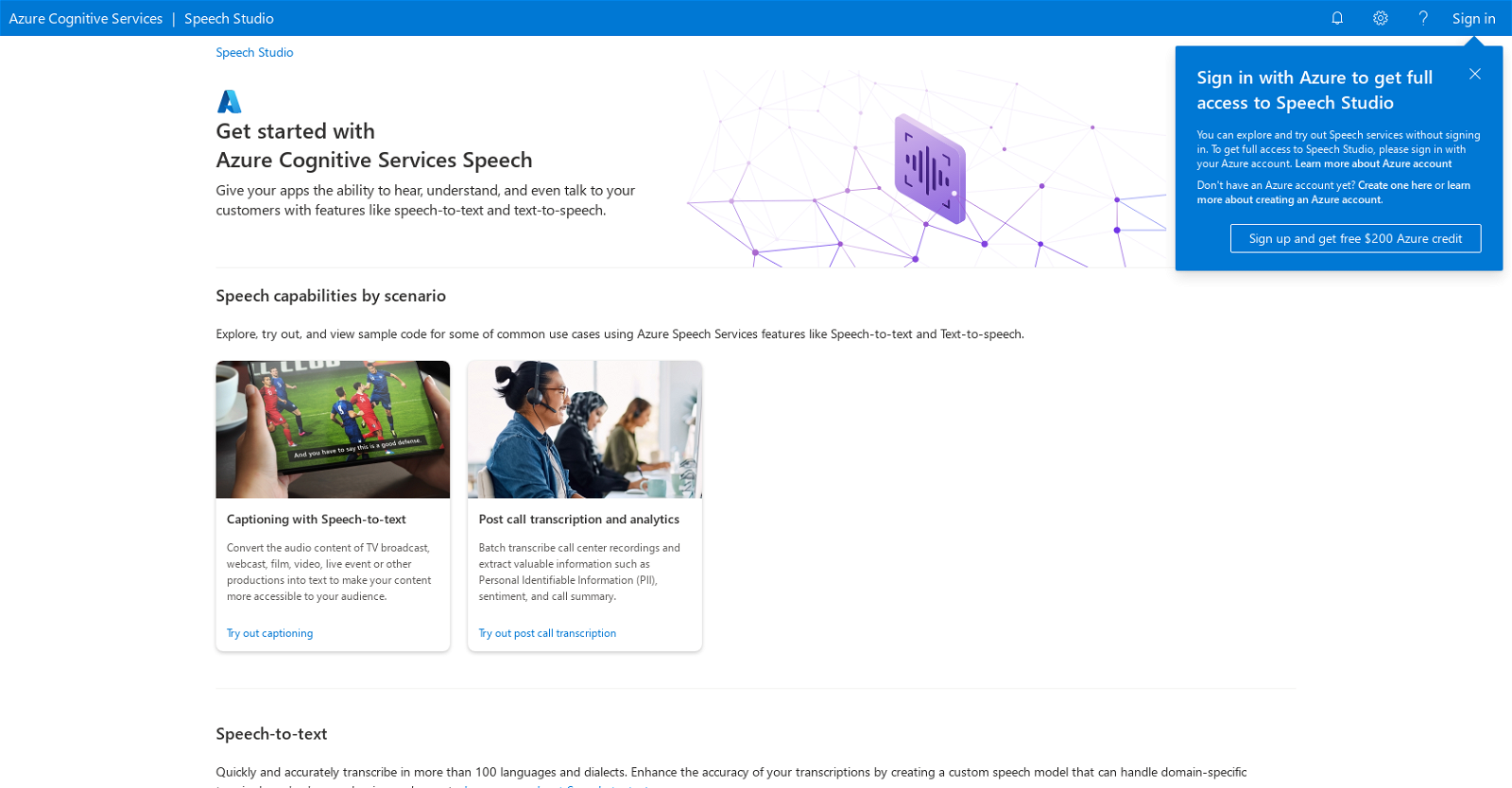
Introducing Speech Studio, a game-changing suite of services from Microsoft Azure. With Speech Studio, you can make your applications “hear, understand, and even talk” to your customers, opening up a whole new realm of possibilities.
Whether you need speech-to-text or text-to-speech capabilities in over 100 languages and dialects, or custom speech models that can handle domain-specific terminology, background noise, and accents, Speech Studio has got you covered.
But that’s not all. With real-time speech-to-text transcription, pronunciation assessment, and audio content creation, you can take your applications to the next level. And with voice assistant features like custom keyword and custom commands, controlling your product through voice has never been easier.
Want to earn with the tools you are reading about?
The $50K AI Income Roadmap: 20 modern ways to earn with AI, with steps, prompts and real numbers. Free, one chapter a day.
And the best part? Speech Studio offers a wealth of learning resources, including documentation, quick start guides, Microsoft Q&A, and Microsoft Learn. So you can explore and master the possibilities of AI at your own pace.
Ready to get started? Sign up with an Azure account and enjoy full access to Speech Studio, along with a free $200 Azure credit. Unleash the power of AI in your applications today with Speech Studio.
Overview:
Microsoft Azure Speech Studio is a powerful AI tool that enables users to enhance their applications with speech capabilities. With support for over 100 languages and dialects, it offers speech-to-text and text-to-speech functionalities. Users can create custom speech models to handle specific terminology, background noise, and accents. Real-time speech-to-text transcription, pronunciation assessment, and audio content creation are also available. Additionally, Speech Studio provides voice assistant features like custom keywords and commands for seamless product control through voice. Users can access learning resources such as documentation, quick start guides, Microsoft Q&A, and Microsoft Learn. By signing up with an Azure account, users gain full access to Speech Studio and receive a free $200 Azure credit.
Benefits:
- Speech-to-text and text-to-speech capabilities in over 100 languages and dialects
- Custom speech models for handling domain-specific terminology, background noise, and accents
- Real-time speech-to-text transcription
- Pronunciation assessment and audio content creation
- Voice assistant features like custom keyword and custom commands

The TechLaugh editorial team, led by founder Akshay Kumar Singh, tests AI tools on real marketing and creative work. We check pricing on the day of writing, note free-plan limits, and update guides when tools change or shut down.