



































































































SQL Chat
 Guide2 min read
☷Table of contents▾
SQL Chat
Freemium
Revolutionize SQL with ChatGPT
VISIT WEBSITE
Introduction:
Are you tired of writing complex SQL queries to interact with databases? Imagine if you could simply chat with your database using natural language. Introducing SQL Chat, the ultimate SQL client for effortless conversations with databases.
Powered by ChatGPT, a cutting-edge language AI model, SQL Chat revolutionizes the way you interact with databases. Whether you’re a SQL professional or a beginner, this tool makes querying databases intuitive and accessible.
With support for popular database systems like Postgres, MySQL, and SQLServer, SQL Chat adapts to your needs. Join our vibrant Discord community to ask questions, discover new features, and receive support from fellow users.
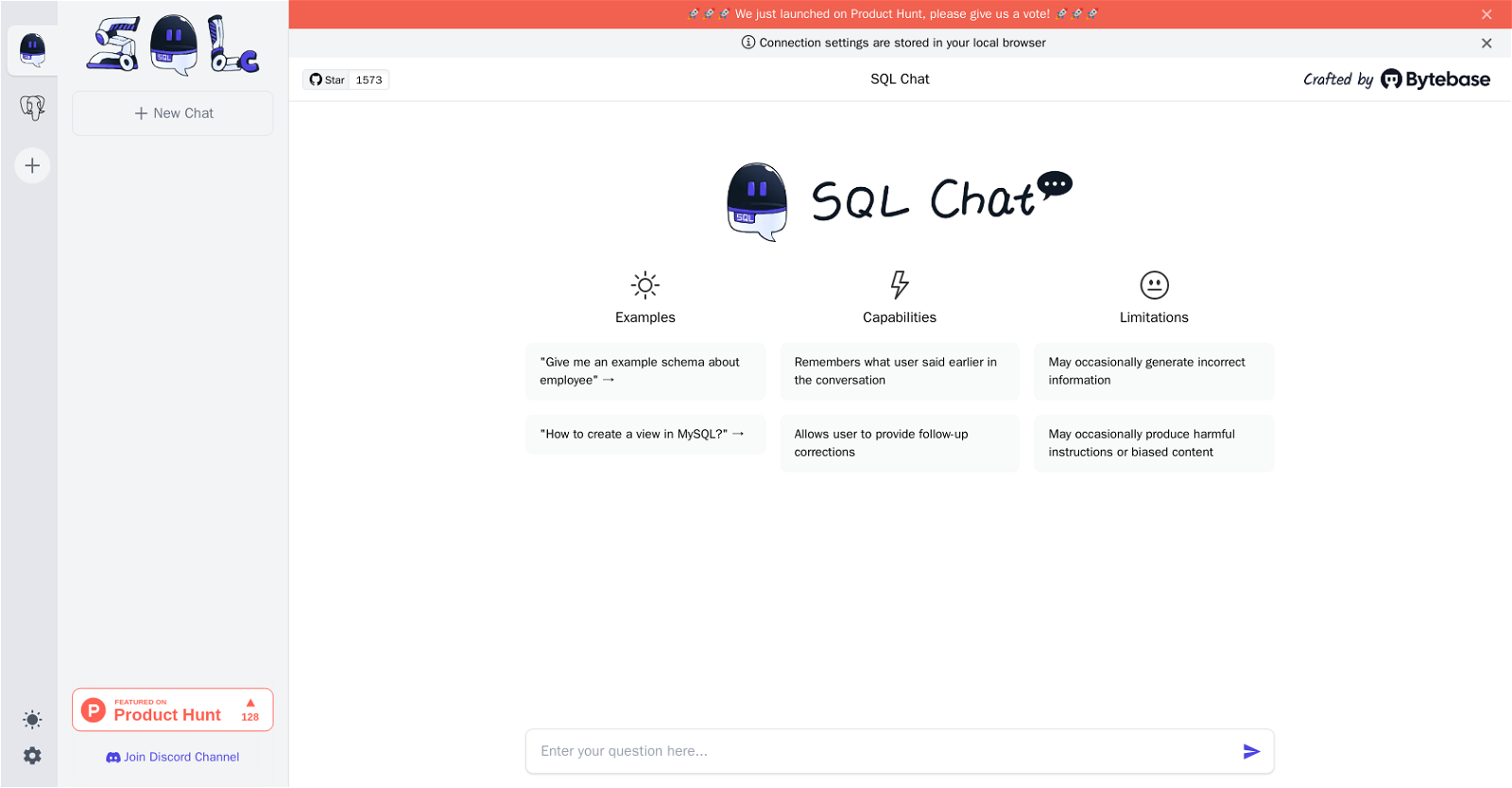
SQL Chat ensures a seamless experience by storing connection settings in your local browser. It even remembers previous conversations, providing context for follow-up questions and corrections. Plus, you can provide feedback to enhance the system’s accuracy and quality.
Want to earn with the tools you are reading about?
The $50K AI Income Roadmap: 20 modern ways to earn with AI, with steps, prompts and real numbers. Free, one chapter a day.
While SQL Chat offers a simple and user-friendly interface, it’s important to note its limitations. Occasionally, it may generate incorrect information or biased content. Always double-check the output for accuracy.
Experience the future of SQL interaction with SQL Chat. Unlock the potential of natural language conversations and boost your productivity as a SQL professional. Say goodbye to complex queries and embrace the simplicity of SQL Chat.
Overview:
SQL Chat is a chat-based SQL client and editor that allows users to interact with databases using natural language. The tool is powered by ChatGPT, a language AI model. SQL Chat supports multiple database systems, including Postgres, MySQL, and SQLServer. Users can join a Discord channel to ask questions, learn about new features, and get support from the community.
SQL Chat stores connection settings in the user’s local browser. The tool has several capabilities that enable users to have a more productive and efficient experience. It remembers previous conversations to provide a better context for follow-up questions and corrections. Users can also provide feedback about the accuracy and quality of the system’s responses.
However, SQL Chat has some limitations to consider. It may occasionally generate incorrect information or provide biased content. Users should always double-check the output to ensure its accuracy.
Overall, SQL Chat offers a simple and user-friendly interface for interacting with databases using natural language. It is an innovative tool that can improve the productivity of SQL professionals by making SQL more accessible and intuitive.
Benefits:
- SQL Chat is a chat-based SQL client and editor that allows users to interact with databases using natural language.
- The tool is powered by ChatGPT, a language AI model.
- SQL Chat supports multiple database systems, including Postgres, MySQL, and SQLServer.
- Users can join a Discord channel to ask questions, learn about new features, and get support from the community.
- SQL Chat stores connection settings in the user’s local browser.

The TechLaugh editorial team, led by founder Akshay Kumar Singh, tests AI tools on real marketing and creative work. We check pricing on the day of writing, note free-plan limits, and update guides when tools change or shut down.