















































































Summarized.video
 Guide3 min read
☷Table of contents▾
Summarized.video
Freemium
Summarized.video: Simplify YouTube Learning
VISIT WEBSITE
Introduction:
Are you tired of spending hours watching lengthy YouTube videos, trying to find the information you need? Imagine if there was a way to quickly summarize the key points of each chapter, making it easier to digest lectures and podcasts. Introducing Summarized YouTube Chapters, a Chrome extension powered by artificial intelligence.
With Summarized YouTube Chapters, you can effortlessly navigate through specific chapters by clicking on their titles. Customize the prompt template to suit your learning style and hide shorter chapters by increasing the minimum duration. Plus, the extension displays YouTube chapter titles below the video timeline, if available.
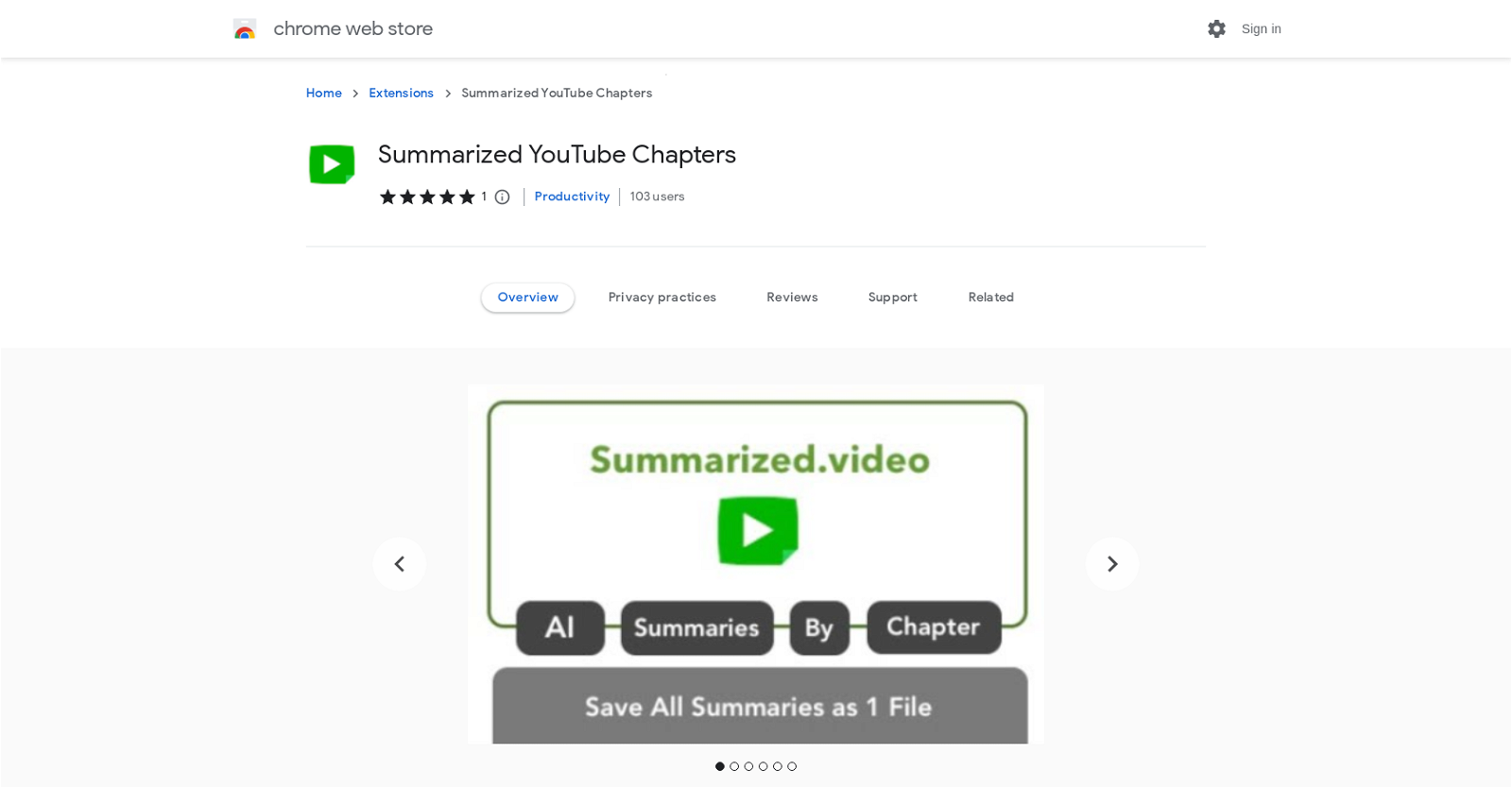
Using the transcript of each chapter, our AI component, LLM, generates comprehensive summaries. Even if a chapter is lengthy, the AI samples the transcript equally to create a concise summary. Download individual chapter summaries as .md files or export all video chapter summaries into a single markdown file. Save them to your computer, Google Drive folder, or Notion database page.
But here’s the best part – Summarized YouTube Chapters also provides an overall summary of the video. By sampling in equal parts, per chapter, from the start or end of the video, you can obtain a comprehensive overview in no time.
Want to earn with the tools you are reading about?
The $50K AI Income Roadmap: 20 modern ways to earn with AI, with steps, prompts and real numbers. Free, one chapter a day.
Rest assured, your privacy is our priority. The extension does not collect any user data, as stated in our developer’s privacy policy. So why waste time scrolling through lengthy videos when you can easily access summarized chapters with Summarized YouTube Chapters? Try it now and revolutionize your learning experience.
Overview:
Summarized.video is a Chrome extension that utilizes artificial intelligence to summarize chapters in YouTube videos. With this tool, users can easily digest lectures and podcasts by exporting these summaries as a single file. The extension offers various features to enhance the learning experience, including customizable prompt templates and the ability to navigate to specific chapters with a simple click. Users can also choose to hide shorter chapters by increasing the minimum duration. Additionally, the extension displays YouTube chapter titles below the video timeline, if available. The AI component, LLM, generates summaries by sampling the transcript of each chapter equally, regardless of its length. Users have the option to download individual chapter summaries as .md files or export all video chapter summaries into a single markdown file. The extension allows for saving to a computer, a Google Drive folder, or a Notion database page. For an overall summary of the video, users can sample equal parts from the start or end of the video. It is important to note that the extension does not collect user data, ensuring privacy according to the developer’s privacy policy.
Benefits:
- Summarized.video is a Chrome extension that uses AI to summarize chapters in YouTube videos.
- Users can export these summaries as a single file, making it easier to digest lectures and podcasts.
- The extension allows users to customize the prompt template and easily navigate to specific chapters.
- There is an option to increase the minimum duration to hide shorter chapters.
- Summaries are generated using the extension’s AI component, LLM, which samples the transcript equally to create the summary.
- Individual chapter summaries can be downloaded as .md files or exported into a single markdown file.
- Users can obtain an overall summary of the video by sampling from the start or end of each chapter.
- The extension uses the ChatGPT free tier for its AI model, which may have limitations.
- User data is not collected according to the developer’s privacy policy.
- The use case of Summarized.video is YouTube video summarization for chapters.

The TechLaugh editorial team, led by founder Akshay Kumar Singh, tests AI tools on real marketing and creative work. We check pricing on the day of writing, note free-plan limits, and update guides when tools change or shut down.