



































































































Text to Design
 Guide2 min read
☷Table of contents▾
Text to Design
Freemium
Transform Text into Stunning Designs
VISIT WEBSITE
Introduction:
Are you tired of spending hours creating design elements from scratch?
Introducing Text to Design, the Figma plugin that revolutionizes your design workflow through efficient text input.
Harnessing the power of advanced artificial intelligence algorithms, Text to Design transforms simple text descriptions into visually stunning and functional design elements.
With this plugin, you can effortlessly generate an infinite number of unique design elements such as navigation bars, hero sections, and product cards, all with just a few words.
The AI-powered design generation feature interprets your text input and provides tailor-made design suggestions, while the AI image generation feature adds depth to your designs with realistic images based on your descriptions.
Seamlessly integrated with Figma, Text to Design allows you to import the generated designs directly into your project.
Want to earn with the tools you are reading about?
The $50K AI Income Roadmap: 20 modern ways to earn with AI, with steps, prompts and real numbers. Free, one chapter a day.
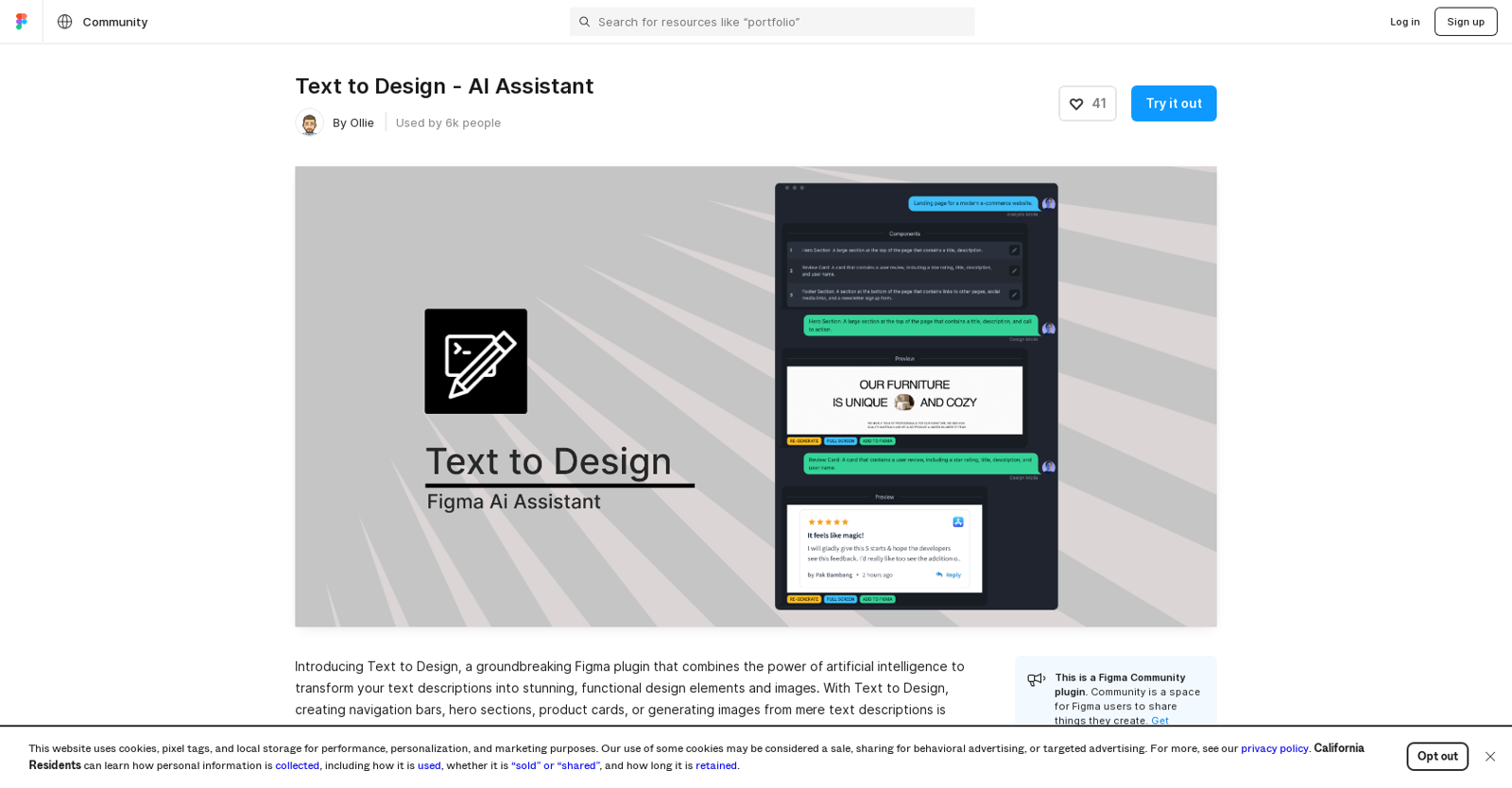
But that’s not all – Text to Design also offers an analytical mode that provides AI-generated suggestions for design elements, bringing your concept to life. Additionally, the design mode generates visually appealing designs based on your text input.
And with the image mode feature, captivating icons and lifelike images are just a few clicks away, thanks to the power of AI.
Unlock the limitless potential of AI-powered design generation in Figma with Text to Design. Whether you’re a non-designer or a seasoned professional, this plugin saves you time and effort while enabling you to create stunning visuals for your projects.
Overview:
Text to Design is a Figma plugin that uses advanced artificial intelligence (AI) algorithms to transform text descriptions into visually stunning and functional design elements. Designed for Figma users, Text to Design streamlines the design workflow by creating an infinite number of unique design elements such as navigation bars, hero sections, product cards and more, using simple text descriptions.
The AI-powered design generation feature interprets the text input and generates tailor-made design suggestions, while the AI image generation feature creates realistic images based on the descriptions to add depth to the designs. The plugin ensures seamless integration with Figma, allowing users to import the generated design directly into their project.
Text to Design also offers an analytical mode that provides AI-generated suggestions for design elements that can be used to bring your concept to life, and a design mode that generates visually appealing designs based on text input. Furthermore, it comes with an image mode feature that utilizes AI to generate captivating icons and lifelike images.
Overall, Text to Design revolutionizes the design process by unlocking the limitless potential of AI-powered design generation in Figma, making it easy for non-designers and designers alike to create stunning visuals for their projects, and saving time and effort in the process.
Benefits:
- Streamlines the design workflow by creating an infinite number of unique design elements
- Interprets text input and generates tailor-made design suggestions
- Creates realistic images based on descriptions to add depth to designs
- Seamlessly integrates with Figma, allowing users to import generated designs directly into their project
- Offers an analytical mode that provides AI-generated suggestions for design elements

The TechLaugh editorial team, led by founder Akshay Kumar Singh, tests AI tools on real marketing and creative work. We check pricing on the day of writing, note free-plan limits, and update guides when tools change or shut down.