



































































































Text2sql
 Guide2 min read
☷Table of contents▾
Text2sql
Freemium
Effortlessly Convert Text to SQL
VISIT WEBSITE
Introduction:
Are you tired of spending hours trying to write complex SQL queries?
Introducing Toolske.com’s Text To SQL tool – the ultimate solution for converting natural language into SQL queries.
With this free online service, you can effortlessly create simple select queries or even tackle more intricate joins.
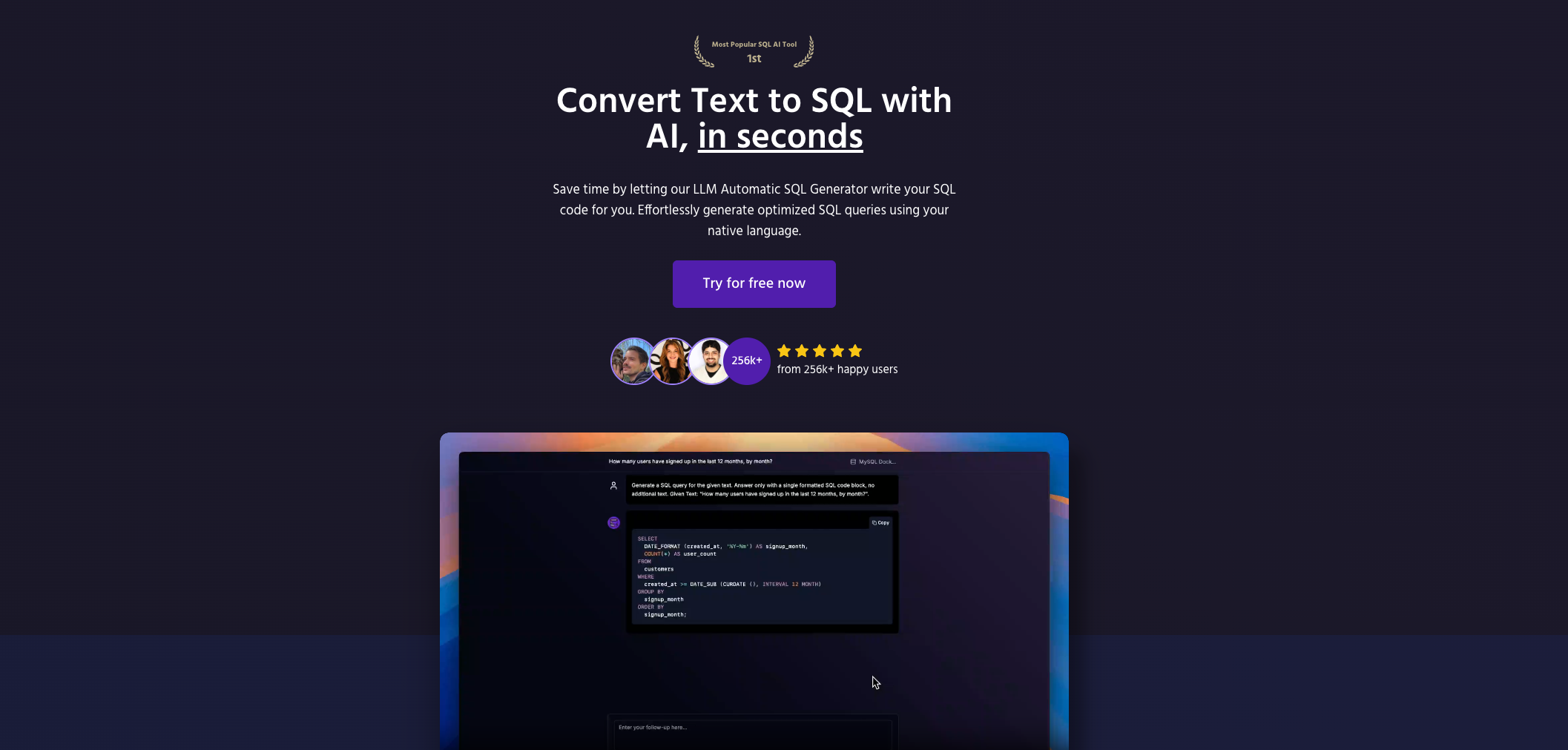
No more struggling with syntax or spending valuable time on trial and error. Just visit the Text To SQL page, enter your text, and click ‘generate sql’.
Want to earn with the tools you are reading about?
The $50K AI Income Roadmap: 20 modern ways to earn with AI, with steps, prompts and real numbers. Free, one chapter a day.
In an instant, the generated query will be displayed, ready for you to copy and use. Say goodbye to the hassle and hello to a convenient, efficient way of creating SQL queries.
Overview:
Toolske.com’s Text To SQL tool is a free online service designed to convert natural language into an SQL query. Using the Text To SQL tool, users can quickly and easily create a simple select query, as well as more complex queries such as joins.
To use the Text To SQL tool, users simply need to visit the Text To SQL page, type in the text they wish to convert, and click the ‘generate sql’ button. The generated query will then be displayed, and users can copy it with the ‘copy text’ button.
Text To SQL is a convenient, free online tool that can make SQL queries easier and faster to create.
Benefits:
- Convenient and user-friendly: Toolske.com’s Text To SQL tool provides a simple and easy-to-use interface for converting natural language into an SQL query.
- Time-saving: With this tool, users can quickly generate SQL queries without the need for manual coding, saving time and effort.
- Supports complex queries: The Text To SQL tool allows users to create not only simple select queries but also more complex queries such as joins, making it versatile for various use cases.
- Free online service: The tool is available for free on the Toolske.com website, making it accessible to anyone with an internet connection.
- Copy and reuse generated queries: Once the SQL query is generated, users can easily copy it using the ‘copy text’ button, allowing for quick reuse or modification.

The TechLaugh editorial team, led by founder Akshay Kumar Singh, tests AI tools on real marketing and creative work. We check pricing on the day of writing, note free-plan limits, and update guides when tools change or shut down.