

































The Art Button
 Guide2 min read
☷Table of contents▾
The Art Button
From $10
Unleash Your Artistic Vision: TheArtButton
VISIT WEBSITE
Introduction:
Are you tired of spending hours trying to create artistic images from scratch?
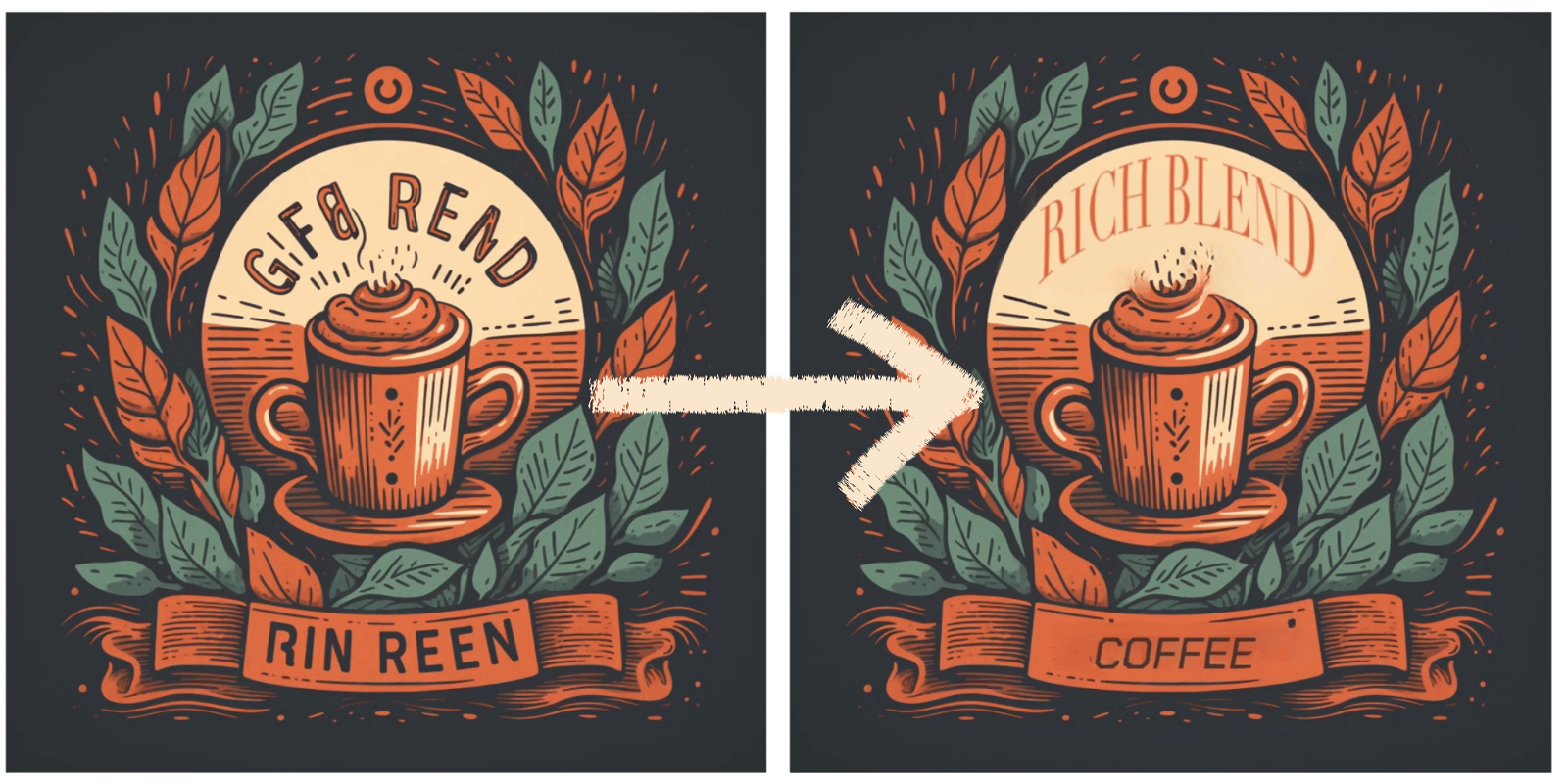
Introducing The Art Button, an AI tool designed to revolutionize artistic image generation and editing.
With just a few clicks, you can unleash your creativity and transform ordinary images into stunning works of art.
Whether you’re an aspiring artist or simply looking to add a touch of artistry to your photos, The Art Button has got you covered.
Want to earn with the tools you are reading about?
The $50K AI Income Roadmap: 20 modern ways to earn with AI, with steps, prompts and real numbers. Free, one chapter a day.
Experience the power of AI and unlock a world of endless possibilities with The Art Button.
Overview:
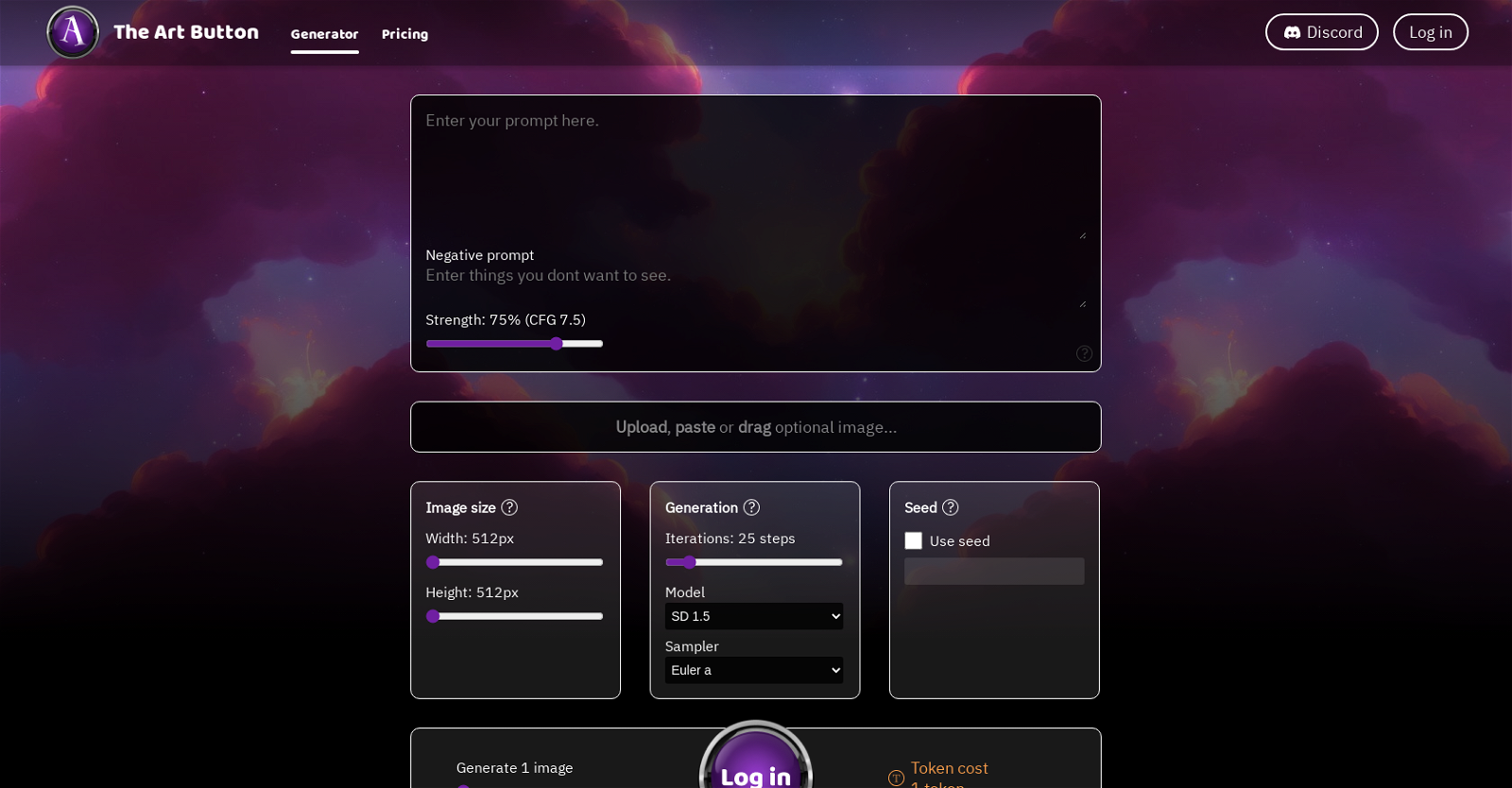
TheArtButton is an AI tool that generates artistic images based on user inputs. Users can access the tool through a web page where they can log in and utilize various features.
The tool offers an option to upload, paste, or drag optional images, which can serve as inspiration or a starting point for image generation. Users can modify the images using tools such as Img2Img, Inpaint, Brush, and Brush Size, among others. The strength of these modifications can be adjusted to fine-tune the desired output. Additionally, users have the ability to edit, rotate, flip, and mirror the images according to their preferences. The tool also provides options to remove certain elements from the images.
Generation options are available to users, such as selecting the number of iterations and the model to use for the generation process. Different models like SD 1.5, SD 2.0, SD 2.1, and Sampler can be utilized, and a seed can be used to generate images with a specific starting point. The tool operates on a token-based cost system, where users need to log in to start generating images.
Overall, TheArtButton offers users a range of image generation and editing features, allowing them to create unique and artistic images. The tool provides flexibility in terms of input options, modification tools, and generation models, giving users the ability to customize and refine their outputs.
Benefits:
- Flexibility in input options: Users can upload, paste, or drag optional images as inspiration or starting points for image generation.
- Various modification tools: Users can modify images using tools such as Img2Img, Inpaint, Brush, and Brush Size, among others.
- Adjustable strength of modifications: Users can fine-tune the desired output by adjusting the strength of modifications.
- Editing capabilities: Users can edit, rotate, flip, and mirror images according to their preferences.
- Generation options: Users can select the number of iterations and the model to use for the generation process, with options like SD 1.5, SD 2.0, SD 2.1, and Sampler. They can also use a seed to generate images with a specific starting point.

The TechLaugh editorial team, led by founder Akshay Kumar Singh, tests AI tools on real marketing and creative work. We check pricing on the day of writing, note free-plan limits, and update guides when tools change or shut down.