



































































































VemoAI
 Guide2 min read
☷Table of contents▾
VemoAI
Freemium
Effortless Voice Transcription with VemoAI
VISIT WEBSITE
Introduction:
Are you tired of spending hours transcribing your voice recordings?
Introducing VemoAI, the ultimate voice-to-text tool that revolutionizes the way you convert spoken words into written text.
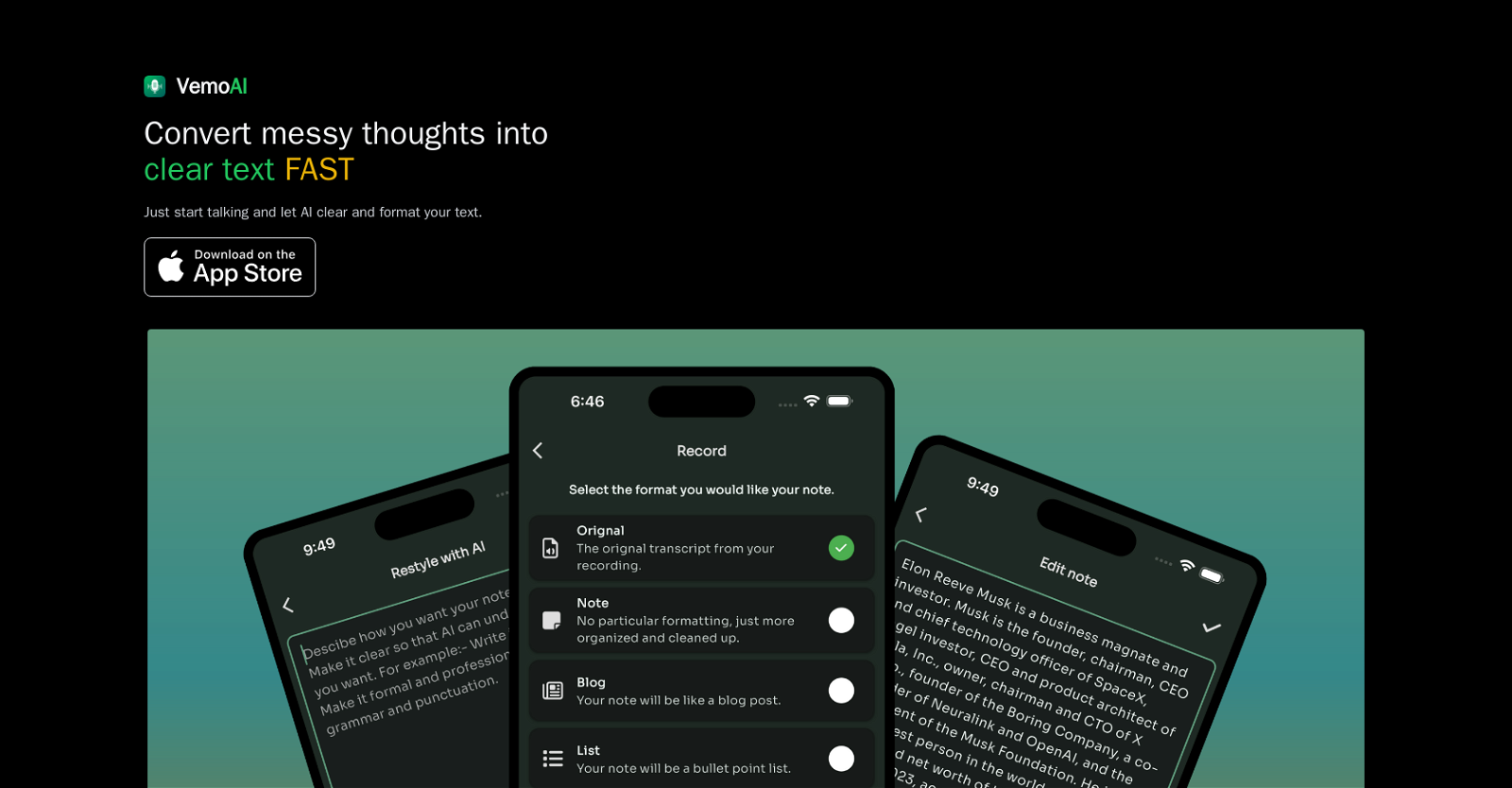
With Vemo’s advanced AI technology, you can effortlessly transcribe any voice content, be it a journal entry, a blog post, or a cleaned-up transcript.
Simply speak naturally, without worrying about pauses or mistakes, and let Vemo do the rest.
But that’s not all – once the transcription is complete, you have the power to edit and restyle the text according to your preference.
Want to earn with the tools you are reading about?
The $50K AI Income Roadmap: 20 modern ways to earn with AI, with steps, prompts and real numbers. Free, one chapter a day.
Whether you’re brainstorming, creating content, journaling, conducting interviews, or attending meetings, VemoAI is your go-to tool for enhanced productivity.
So why waste time on tedious transcription when Vemo can do it all for you? Try VemoAI today and experience the power of effortless voice-to-text conversion.
Overview:
Vemo AI is a voice-to-text tool that allows users to transcribe their spoken words into written text quickly and effortlessly. With the latest advancements in AI technology, Vemo can convert any kind of voice content into text, whether it’s a journal entry, a cleaned-up transcript, or a blog post. Users simply need to speak naturally, without worrying about pauses or mistakes, and let the AI do the rest.
Once the transcription is complete, users have the ability to edit and restyle the text according to their preference. This tool has various use cases, including brainstorming, where users can capture their creative ideas on the go and focus on their next big project. Content creators, such as bloggers, writers, and content marketers, can dictate their thoughts directly into text, speeding up the writing process. In addition, Vemo is ideal for journaling, allowing users to document their personal journey easily by expressing their feelings, ideas, and memories through voice.
Vemo is also useful for transcribing interviews in real-time, whether for journalistic purposes or research. It provides accurate text from recorded conversations, saving time and effort. Moreover, Vemo can make meetings more productive by recording discussions, transcribing them instantly, and ensuring that no important details are missed. Students and educators can also benefit from this tool by converting lectures and study sessions into clear, organized notes for future reference.
Overall, Vemo AI is a powerful tool that efficiently converts voice memos into clear and organized written content, enhancing productivity in various scenarios.
Benefits:
- Vemo AI allows users to transcribe spoken words into written text quickly and effortlessly.
- Vemo can convert any kind of voice content into text, including journal entries, transcripts, and blog posts.
- Users can speak naturally without worrying about pauses or mistakes, and let the AI do the rest.
- Once the transcription is complete, users can edit and restyle the text according to their preference.
- Vemo AI has various use cases, including brainstorming, content creation, journaling, transcribing interviews, and making meetings more productive.

The TechLaugh editorial team, led by founder Akshay Kumar Singh, tests AI tools on real marketing and creative work. We check pricing on the day of writing, note free-plan limits, and update guides when tools change or shut down.