

























































Video Highlight
 Guide2 min read
☷Table of contents▾
Video Highlight
Freemium
Revolutionize Video Note-Taking Today!
VISIT WEBSITE
Introduction:
Are you tired of spending hours transcribing and navigating through lengthy videos?
Introducing Video Highlight, the game-changing AI-powered tool that revolutionizes video note-taking.
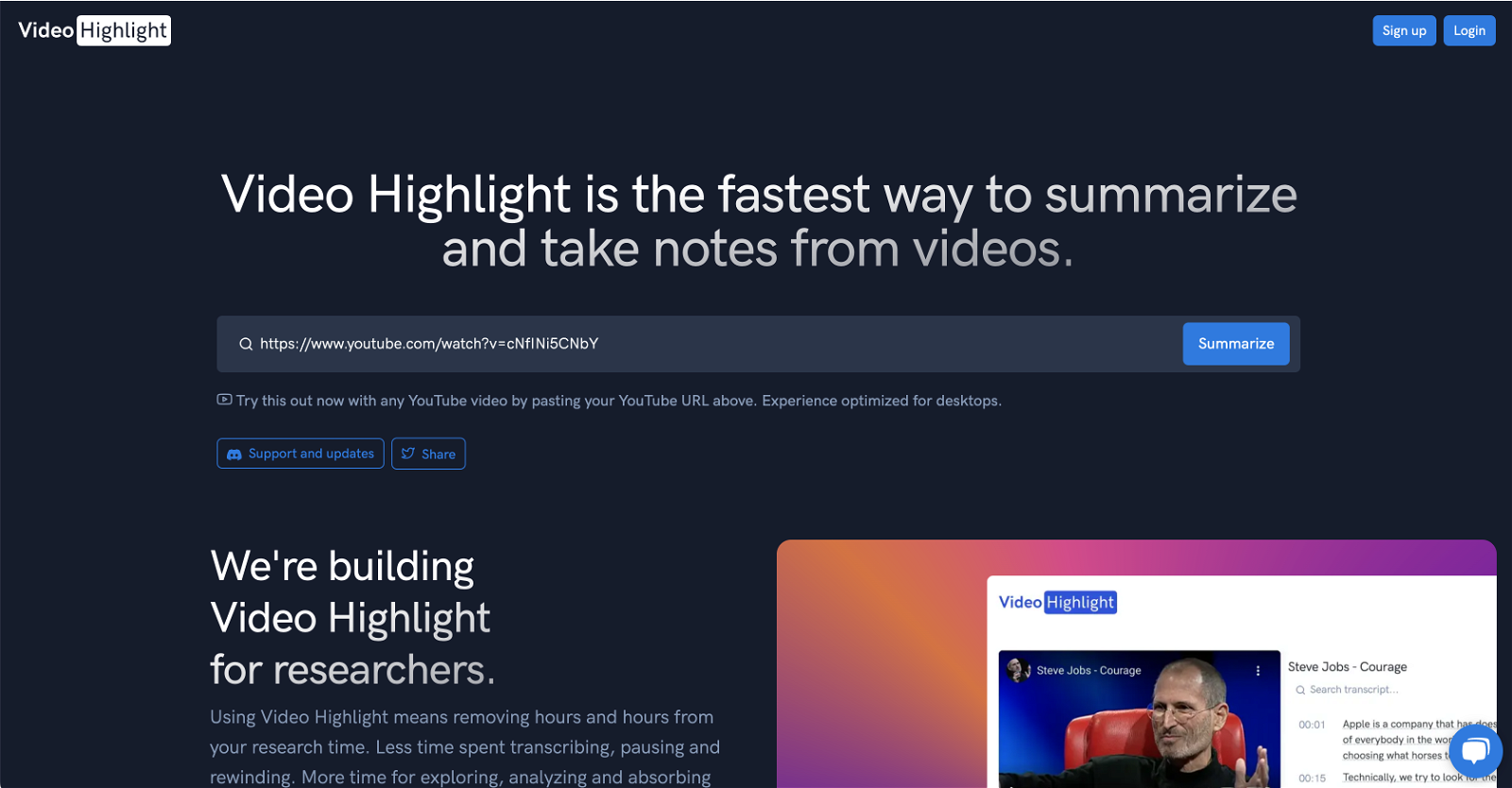
With its advanced AI technology, Video Highlight extracts and distills key points from any video, providing a precise, time-stamped summary.
Say goodbye to endless rewinding and fast-forwarding – our user-friendly interface allows you to skim through video transcripts and easily pinpoint specific details.
Capture crucial moments with screenshots and seamlessly export your notes to popular productivity tools like Notion and Roam Research.
And that’s not all – soon, you’ll be able to upload your own videos and interactively query the content.
Join researchers, students, and lifelong learners in experiencing the joy of exploration, analysis, and thorough content absorption.
Want to earn with the tools you are reading about?
The $50K AI Income Roadmap: 20 modern ways to earn with AI, with steps, prompts and real numbers. Free, one chapter a day.
Video Highlight is freely accessible, with premium upgrades available for enhanced features. Are you ready to transform your video consumption experience?
Overview:
Video Highlight is a revolutionary AI-powered tool that is reinventing how we interact with video content. Compatible with platforms like YouTube, it presents a simple solution to the often cumbersome process of summarizing and notetaking from videos.
At its core, the platform employs an advanced AI technology to extract and distill the key points from any video. The result is a precise, time-stamped summary that enables the user to quickly identify and return to key moments. This feature alone transforms video consumption, turning a linear experience into a non-linear exploration that can be customized to fit the user’s needs.
The system’s user-friendly interface comes with the additional benefit of skimming through the video’s transcripts. Here, users can easily pinpoint specific details, further enhancing their ability to find the information they need without endlessly rewinding or fast-forwarding.
Video Highlight also stands out by enabling users to add screenshots to their notes. This function allows a visual representation of crucial moments to be captured and referenced later, making information retrieval even more efficient.
One of the most potent features of Video Highlight is its compatibility with popular productivity tools. Notes can be exported directly into Notion or Roam Research, or synced with Readwise, creating a streamlined research experience.
Users will soon have the ability to upload their own videos and interactively query the content. This feature will help Video Highlight become an essential tool for anyone who regularly interacts with video content, from researchers, to students and lifelong learners.
By shifting the focus away from time-consuming transcription and manual video navigation, it frees up users to delve into the joy of exploration, analysis, and thorough content absorption.
Video Highlight is freely accessible, offering enhanced features upon opting for a premium upgrade.
Benefits:
- Revolutionary AI-powered tool
- Extracts and distills key points from any video
- Precise, time-stamped summary for quick identification of key moments
- User-friendly interface with skimming through video transcripts
- Ability to add screenshots to notes for visual representation
- Compatibility with popular productivity tools
- Upcoming feature to upload and query own videos
- Frees up users for exploration, analysis, and content absorption
- Freely accessible with premium upgrade options
- Use case: Efficient video note-taking by extracting key points

The TechLaugh editorial team, led by founder Akshay Kumar Singh, tests AI tools on real marketing and creative work. We check pricing on the day of writing, note free-plan limits, and update guides when tools change or shut down.