



































































































VideoMuse
 Guide2 min read
☷Table of contents▾
VideoMuse
Freemium
Unleash Your YouTube Creativity: VideoMuse
VISIT WEBSITE
Introduction:
Are you a YouTube content creator struggling to come up with fresh ideas for your videos?
Introducing VideoMuse, an AI-powered tool designed to revolutionize your creative process.
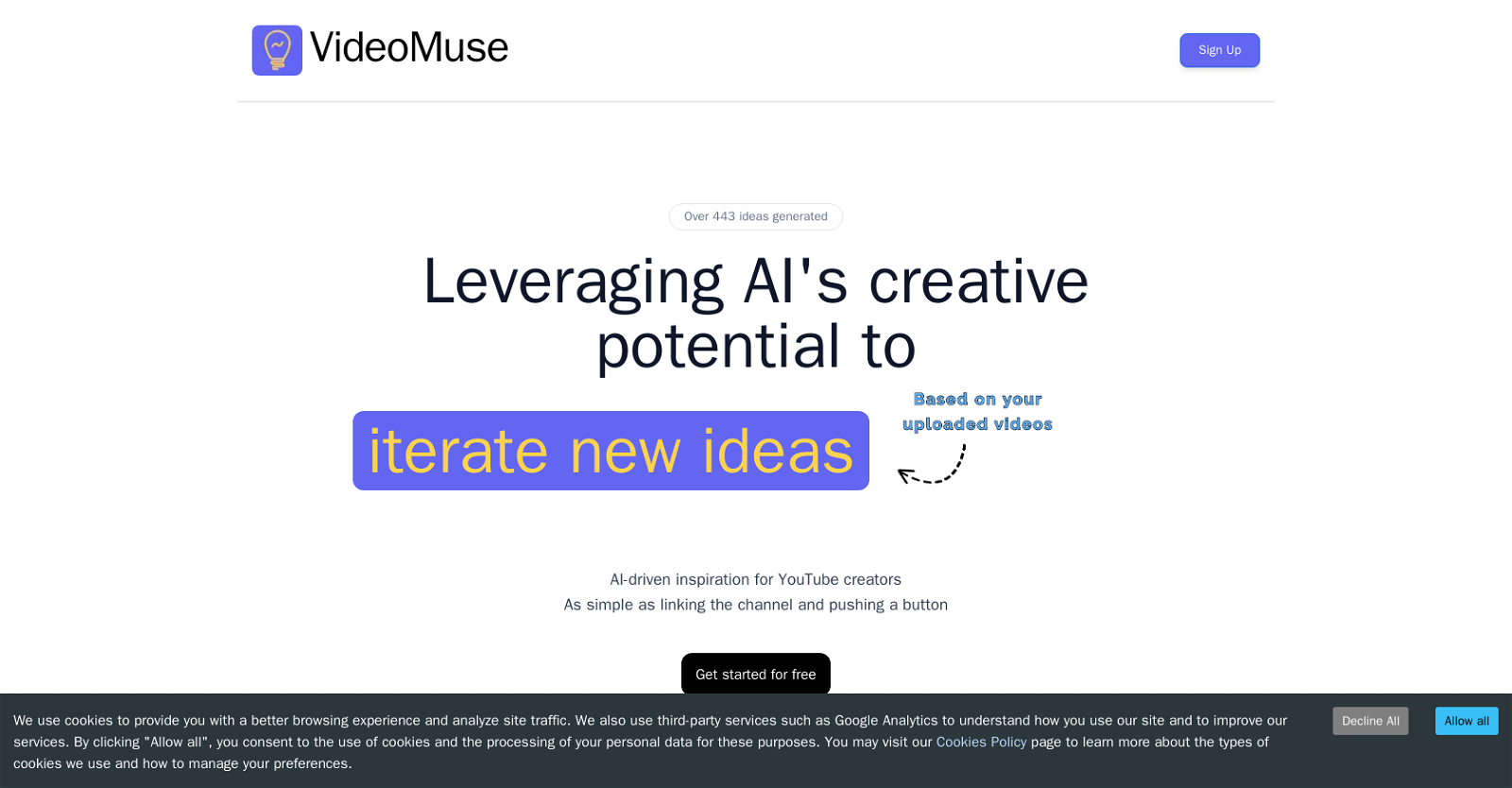
With over 443 pre-existing ideas at your fingertips, VideoMuse takes the guesswork out of brainstorming.
Simply connect your YouTube channel, click a button, and let the AI generate a plethora of content ideas for you.
No more hours wasted on brainstorming – VideoMuse streamlines the process, allowing you to focus on what you do best: creating amazing videos.
While VideoMuse doesn’t assist with the actual video creation, it serves as a valuable source of inspiration for content creators seeking a jump-start to their creativity.
Want to earn with the tools you are reading about?
The $50K AI Income Roadmap: 20 modern ways to earn with AI, with steps, prompts and real numbers. Free, one chapter a day.
The user-friendly interface ensures that both experienced and inexperienced creators can navigate the platform effortlessly.
Save time and unlock your video content’s full creative potential with VideoMuse – the AI-driven brainstorming tool for YouTube creators.
Overview:
VideoMuse is an artificial intelligence (AI) tool that helps YouTube content creators generate new ideas for their videos. The platform leverages AI technology to brainstorm video content ideas by generating over 443 pre-existing ideas that can be iterated on. The tool eliminates the need for content creators to spend hours brainstorming new ideas themselves.
To use the platform, creators only need to connect their YouTube channel to VideoMuse and click a button to generate ideas. This process is straightforward, and no credit card is required for creators to start using the tool. Overall, VideoMuse aims to help content creators save time and increase their video content’s creative potential by providing AI-driven inspiration for YouTube creators.
VideoMuse’s main focus is on creative brainstorming, and it may not necessarily help with the video creation process itself. However, it serves as an excellent tool for content creators who are looking for new ideas and need a jump-start to their creativity. The platform’s interface is user-friendly and easy to navigate, making it accessible to both experienced and inexperienced content creators.
In summary, VideoMuse is an AI-driven brainstorming tool that helps YouTube content creators generate new video ideas effortlessly. Its straightforward user interface and AI capabilities ensure that content creators can save time and increase their videos’ creative potential with ease.
Benefits:
- VideoMuse generates over 443 pre-existing video content ideas for YouTube creators to iterate on.
- The tool eliminates the need for content creators to spend hours brainstorming new ideas themselves.
- Creators only need to connect their YouTube channel to VideoMuse and click a button to generate ideas, making the process straightforward.
- No credit card is required to start using VideoMuse, making it accessible to all content creators.
- VideoMuse aims to help content creators save time and increase their video content’s creative potential by providing AI-driven inspiration.

The TechLaugh editorial team, led by founder Akshay Kumar Singh, tests AI tools on real marketing and creative work. We check pricing on the day of writing, note free-plan limits, and update guides when tools change or shut down.