



































































































Elicit AI Review: Is It Worth It for Real Research?
 Review7 min read
☷Table of contents▾
Elicit is an AI research assistant that searches more than 138 million academic papers and answers your question with summaries tied to real sources. The free plan gives you unlimited paper search, unlimited summaries, and chat with full-text papers. You only pay when you want the heavy automation: research reports, systematic reviews, and data extraction at scale. Here is what it does well, what it costs, and where it falls short.
Elicit AI 4.3 / 5
The strongest AI tool for finding and screening academic papers. Every claim links back to a source, which sets it apart from general chatbots. The free plan is generous for reading and searching. The paid plans make sense once you run literature reviews for a living.
Pros
- Searches 138+ million papers from Semantic Scholar, OpenAlex, and PubMed
- Free plan has unlimited search, summaries, and paper chat
- Answers link to the exact source passage
- Systematic review workflow can screen 5,000 papers
- Zotero import free; API on Pro plans and up
Cons
- Free plan caps the Research Agent and Reports
- Industry plans cost far more than academic ones
- Extractions can miss nuance, so spot-checks stay on you
- Best features sit on Pro and above
Key takeaways
- The free Basic plan includes unlimited search across 138+ million papers, unlimited summaries, and chat with full-text papers.
- Academic plans run $11 to $89 per user per month billed annually. Industry plans cost more, from $49.
- Paid plans share one monthly usage pool across the Research Agent, Reports, and Systematic Reviews.
- Answers cite the exact passage in the paper, which cuts the hallucination risk that plagues general chatbots.
- Pro adds a dedicated systematic review workflow that screens up to 5,000 papers, plus API access.
What is Elicit AI?
Elicit is an AI assistant built for one job: working with academic literature. You ask a research question. It finds relevant papers, summarizes what they say, and pulls data from them into tables you can export.
Its search covers more than 138 million papers across all disciplines, drawn from Semantic Scholar, OpenAlex, and PubMed. You can also search over 500,000 clinical trials on paid plans. That grounding in a real corpus is the core difference between Elicit and asking ChatGPT about papers: Elicit shows you where every answer came from.
How does Elicit work?
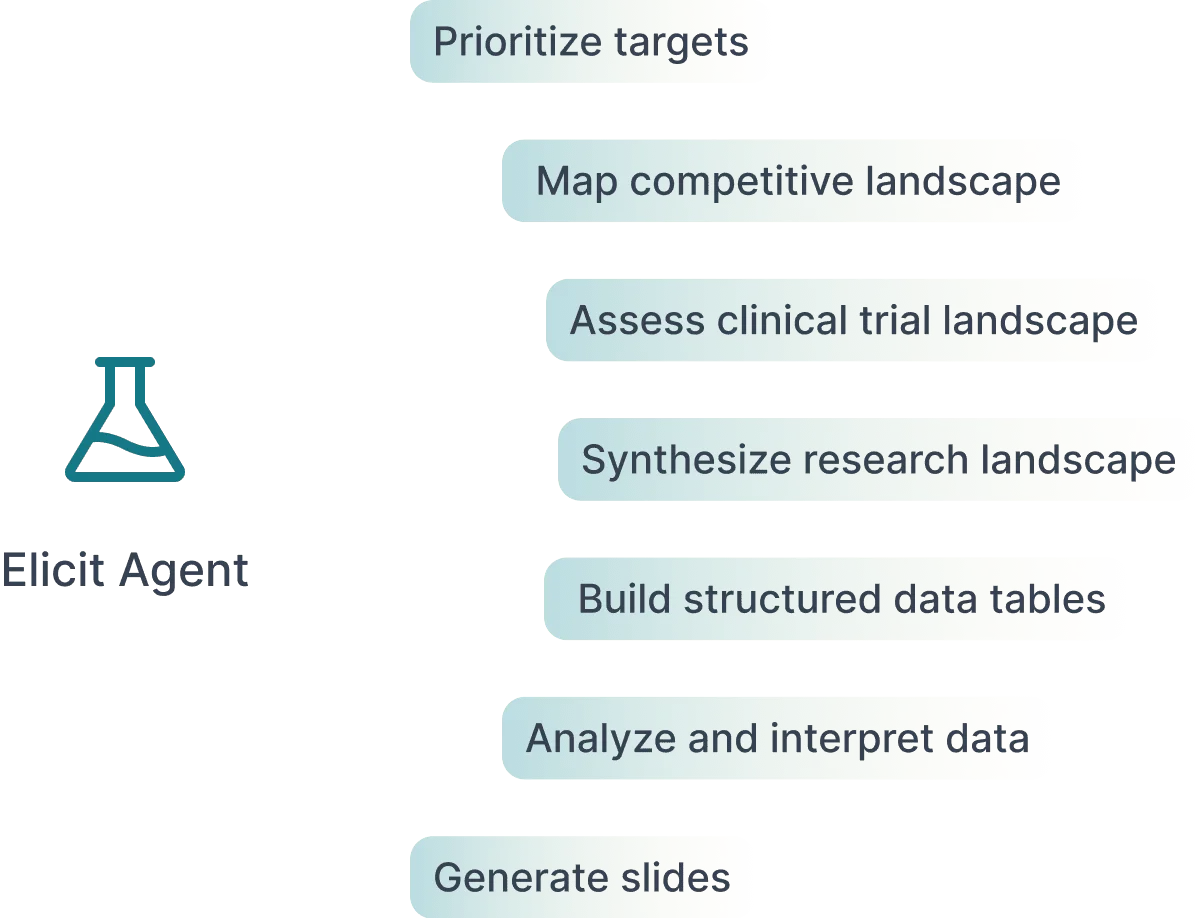
You type a research question and Elicit returns ranked papers, each with a short summary aimed at that question. From there you can:
- Chat with any paper using its full text.
- Add papers to a table and extract data into columns, like sample size or study design.
- Run the Research Agent for multi-step questions, or generate a full research report.
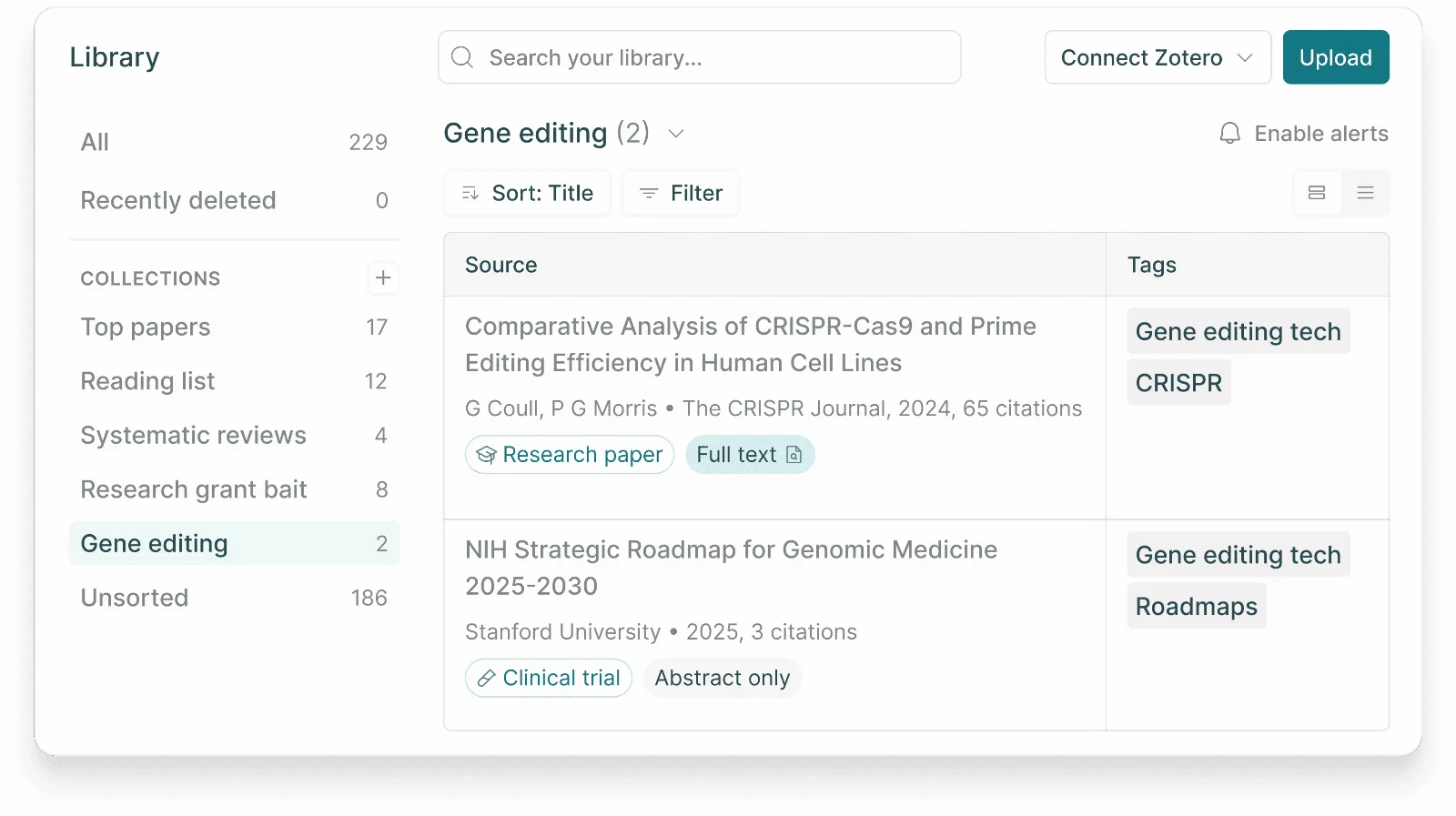
- Save papers to a Library with collections and tags, and import your existing Zotero library.
- Subscribe to alerts that watch for new papers on your topic.
This short demo from Elicit’s own channel shows the reports feature in action:
Want to earn with the tools you are reading about?
The $50K AI Income Roadmap: 20 modern ways to earn with AI, with steps, prompts and real numbers. Free, one chapter a day.
Is Elicit free?
Yes. The Basic plan is free and more useful than most free tiers in this category. You get unlimited search across the full 138-million-paper corpus, unlimited summaries, and unlimited chat with papers using their full text. You can view sources for every answer and import your Zotero library.
The catch: the free plan limits how much you can use the Research Agent and Research Reports, the two features that do multi-step work for you. Searching and reading stay free forever. The automation is what you pay for.
Elicit pricing explained
Elicit prices academic and industry users differently. These are the academic plans billed annually:
| Plan | Price (academic, annual) | What you get |
|---|---|---|
| Basic | Free | Unlimited search, summaries, and paper chat; limited Agent and Reports usage |
| Plus | $11/user/month ($132/year) | Exports to RIS, CSV, BIB, PDF, DOCX; 5 table columns; clinical trials search |
| Pro | $39/user/month ($468/year) | 5x usage, systematic review workflow for 5,000 papers, 20 columns, API access |
| Scale | $89/user/month ($1,068/year) | 9x usage, figure extraction, live team collaboration, 30 columns |
| Enterprise | Custom | Screens 40,000 papers, PRISMA-grade accuracy, SSO, no training on your data by default |
Industry pricing is a separate track and costs more: Pro is $49 per user per month ($588 a year) and Scale is $169 ($2,028 a year), both billed annually. Annual billing saves roughly 35 to 43 percent compared with paying month to month, so pick annual billing if you plan to keep it. That gap explains most of the “why is Elicit so expensive” complaints you see online.
In July 2026, Elicit also changed how limits work. Instead of separate counts per feature and a daily agent cap, each plan now has a single pool of monthly usage shared across the Research Agent, Reports, and Systematic Reviews. Light weeks leave more room for heavy ones.
Students: skip the personal plan
Elicit has no separate student plan, but it offers institutional contracts. Ask your librarian or department head to look into a subscription. Until then, the free Basic plan covers search, summaries, and paper chat with no cap.
Does Elicit hallucinate?
Less than a general chatbot, and by design. Elicit extracts its answers directly from papers and highlights the source passage, so you can check every claim in one click. Behind the scenes the company uses process supervision, model ensembling, and custom double-checking models, and its help center links the team’s published work on detecting hallucinations.
Elicit is also open about the limits. Its own documentation says the models are tuned to say nothing rather than say something wrong, but they can still miss the nuance of a paper or misread what a number refers to. Treat extractions the way you would treat a research assistant’s notes: trust, then verify the ones that matter.
How to use Elicit for a literature review
This is the use case Elicit was built around. The short version:
- Ask your research question. Write it as a full sentence and let Elicit suggest refinements.
- Screen the results. Mark papers as relevant or not. On Pro, the systematic review workflow applies your criteria across up to 5,000 papers.
- Extract into a table. Add columns for the data you need: methods, sample size, outcomes. Elicit fills them from each paper with a source link.
- Export. Send the table to CSV or your reference manager, or generate a cited report.
Elicit handles the finding and screening, plus first-pass summaries. The writing and the judgment calls stay with you, and that is the right division of labor for work you have to defend.
The official walkthrough of screening and extraction is worth ten minutes:
Elicit vs Consensus vs SciSpace
The three get compared constantly, and they solve different problems. Consensus is built for quick evidence checks: it answers yes-or-no style questions by reading claims across papers. SciSpace leans on reading help: explaining PDFs, math, and jargon as you go. Elicit goes deepest on the full review workflow: screening large sets of papers and extracting structured data from them.
If you need one tool for a dissertation or a systematic review, Elicit is the strongest pick of the three. If you mostly want fast answers to check a claim, try Consensus first. If you struggle through dense PDFs, SciSpace helps most while you read.
Who should use Elicit, and who should skip it
Use it if you work with academic literature every week: grad students, researchers, medical writers, evidence teams. The free plan alone beats manual keyword search, and Pro pays for itself the first time it screens a few thousand abstracts for you.
Skip it if your research rarely touches published papers. Elicit only searches academic sources, so market research, news, and general web questions belong in other tools. Casual users should stay on the free plan rather than pay for automation they will not fill.
Frequently asked questions
Is Elicit AI free?+
Is Elicit AI good?+
Does Elicit hallucinate?+
Does Elicit have an API?+
Can Elicit write a literature review?+
Verdict: the best paper-screening tool, free where it counts
Elicit earns 4.3 out of 5. It does the slowest part of research, finding and screening papers, faster than anything else we have reviewed, and it shows its sources while doing it. The free plan is a real tool you can work in daily. The costs to watch are the industry tier and monthly billing, and the discipline to verify extractions stays yours. Start free, run one real question through it, and you will know within an hour if it fits your work.
Best guides to read next
- Jenni review: AI writing help for academic drafts
- QuestionAI review: homework answers with steps
- Trint review: AI transcription for interviews and research
Which research assistant do you trust with your literature reviews? Tell us in the comments. We read every one.

The TechLaugh editorial team, led by founder Akshay Kumar Singh, tests AI tools on real marketing and creative work. We check pricing on the day of writing, note free-plan limits, and update guides when tools change or shut down.
Join the conversation